Use one clean manuscript file, real paragraph styles, and a single validated EPUB as your master — that is how you format an e-book that survives every store. Amazon has accepted EPUB for reflowable uploads since 2022, per KDP's help pages, and Kobo, Apple, and Google all ingest it natively. Master the source file first; the stores are the easy part.
Where does good e-book formatting actually start?
In your word processor, months before any upload tool appears. Formatting failures are almost never conversion problems — they are habits baked into the manuscript: tab characters pretending to be indents, double spaces after periods, and blank lines used as spacing. Fix the source and every store file inherits the fix.
Reflowable e-books have no fixed page, so anything that assumes one will break somewhere. Page numbers, headers, and footers are meaningless when a reader changes the font size; a scene break made of six empty paragraphs collapses or stretches depending on the device. Clean the manuscript like this:
- Turn on formatting marks and delete every tab character used for indentation.
- Remove blank paragraphs used for spacing; replace them with a proper scene-break style.
- Run find-and-replace to collapse double spaces and normalize quotes and dashes.
- Apply one paragraph style for body text with a first-line indent, never manual spacing.
- Delete headers, footers, and page numbers — the store software supplies navigation.
Boring work. Ten minutes well spent.
Which styles and settings cause the fewest problems?
Structural styles do. Use the heading styles your editor offers — Heading 1 for chapter titles, Heading 2 for sections — because every reading app builds its navigation table from them, per the EPUB specifications maintained by the W3C. Body text should use one named paragraph style with a first-line indent, and chapter starts should use a variant with no indent.
Resist three temptations. First, justified text: stores and apps re-set justification themselves, and forced justification plus automatic hyphenation produces rivers of stretched spaces on narrow phones. Second, hard-coded fonts and sizes: most reading apps let readers override them, and devices apply their own defaults anyway, so specify a generic serif or sans and let go. Third, text boxes and floating elements — they reflow unpredictably or vanish entirely on e-ink screens. Bold and italics through character styles are fine; layout through brute force is not.
How do you turn a clean file into a store-ready EPUB?
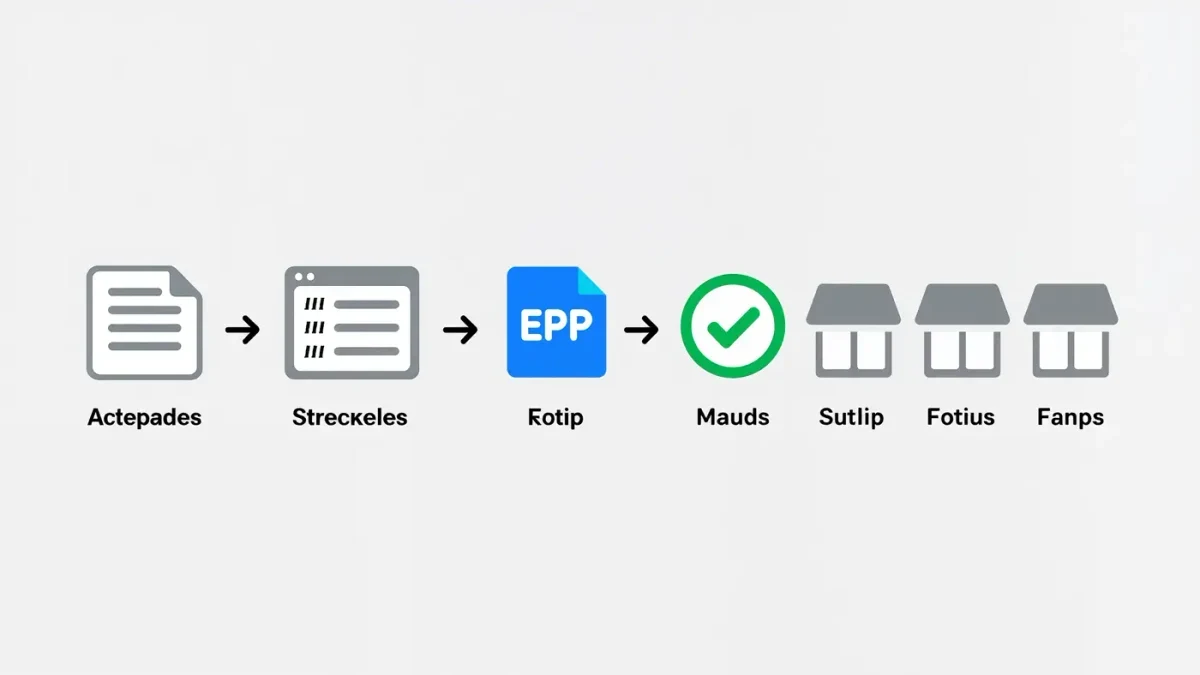
Export once, validate once, upload everywhere. The pipeline below works whether you write in Word, Google Docs, or Scrivener, and every tool in it existed and was actively maintained as of late 2025.
- Export your styled manuscript to EPUB — Scrivener compiles it directly; Word users often route through a converter such as Calibre or a dedicated tool like Vellum or Atticus.
- Open the EPUB in Sigil or your converter and spot-check chapter breaks, the table of contents, and image sizing.
- Run the file through EpubCheck, the free validator built around the W3C's EPUB standard; it flags broken navigation, missing alt text, and structural errors before a store does.
- Preview on device simulations with Kindle Previewer (free from Amazon) before upload.
- Upload the same validated EPUB to each store, or once to a distributor such as Draft2Digital.
One master, many storefronts. If you doubt EPUB's durability, note that the Library of Congress's Recommended Formats Statement names EPUB among the preferred formats for textual works — this is a format built to last, not a vendor whim.
Which formatting defects actually get books flagged?
The same handful, over and over. Stores rarely reject books outright; readers just quietly notice that something looks off. Here are the repeat offenders and their fixes:
| Defect | Why it breaks | Fix |
|---|---|---|
| Tab-character indents | Readers render tabs as huge or missing gaps | First-line indent in the paragraph style |
| Blank paragraphs for scene breaks | Collapse or stack unpredictably across devices | A dedicated scene-break style or glyph |
| Double spaces after sentences | Visible holes in justified text on small screens | Find-and-replace before export |
| Hard page breaks mid-chapter | Land at random spots as font size changes | Style-driven chapter starts only |
| Fixed-width images and tables | Overflow narrow phone screens | Percentage widths, reflow-friendly layout |
| Straight and curly quotes mixed | Reads as sloppy in an otherwise clean book | Normalize all quotes at the source |
None of these requires talent to fix. All of them require humility to look for.
Does every store need its own file?
No — one validated EPUB serves everywhere for reflowable books. Amazon converts uploads into its own delivery format behind the scenes, per KDP's help pages, and Kobo, Apple, Google Play, and Barnes and Noble accept EPUB directly or through distributors. Kindle Create remains an option if you prefer Amazon's guided path, but it produces a file for one store rather than a portable master.
The exception is fixed-layout books — children's titles, comics, anything where the page is the design. Those often need per-store tweaks, larger files, and format-specific previews; budget extra time and test on real devices early. For a novel or nonfiction reflowable title, the single-EPUB approach holds from upload day through every future price change, because you will re-upload the same master each time.
Frequently asked questions about e-book formatting
Can I just upload my Word document to every store?
KDP and several distributors accept .docx, and for simple novels it usually works. You give up control over scene breaks, navigation, and how styles map to reading apps. An EPUB master produced from the same file keeps those decisions yours rather than the converter's.
Why do my paragraph indents look wrong on Kindle?
Almost always tab characters or manual spaces standing in for real indents. Reading systems treat each tab literally, which produces irregular gaps. Replace them with a first-line indent defined in the body paragraph style and the problem disappears store-wide.
What is EpubCheck and does it cost anything?
EpubCheck is the standard validation tool for EPUB files, developed in the open and free to run or use via web front-ends. It reports structural errors, broken links, and accessibility gaps. Passing it means no store will bounce your file for technical reasons.
How many file formats should I keep for one book?
Two: the editable source (your manuscript plus styles) and the validated EPUB master. Everything else — store-specific conversions — is generated on demand. Never hand-edit a converted store file; fix the master and re-export instead.