If your Kindle predates 2012, its storefront went dark on May 20, 2026: per Amazon, devices older than that have lost access to the Kindle Store, as Good e-Reader and T3 reported. The hardware, though, keeps reading just fine — the workaround is a computer, a cable, and ten minutes.
Store access, specifically, means the on-device shop: browsing, buying, and wireless delivery of new purchases. Per Good e-Reader and T3, the May 20, 2026 cutoff applies to devices sold before 2012 — hardware now well over a decade old. Amazon's practice, as both outlets note, is to keep updating and maintaining only the readers of roughly the past seven years, so this boundary was predictable long before it arrived.
What can owners of pre-2012 Kindles still do?
Plenty. Books already downloaded keep opening, notes and highlights stay put, and reading itself is untouched. New purchases are still possible from a web browser — you buy on the computer, download the file, and copy it to the device over USB. The screen never got worse; only the built-in shop closed.
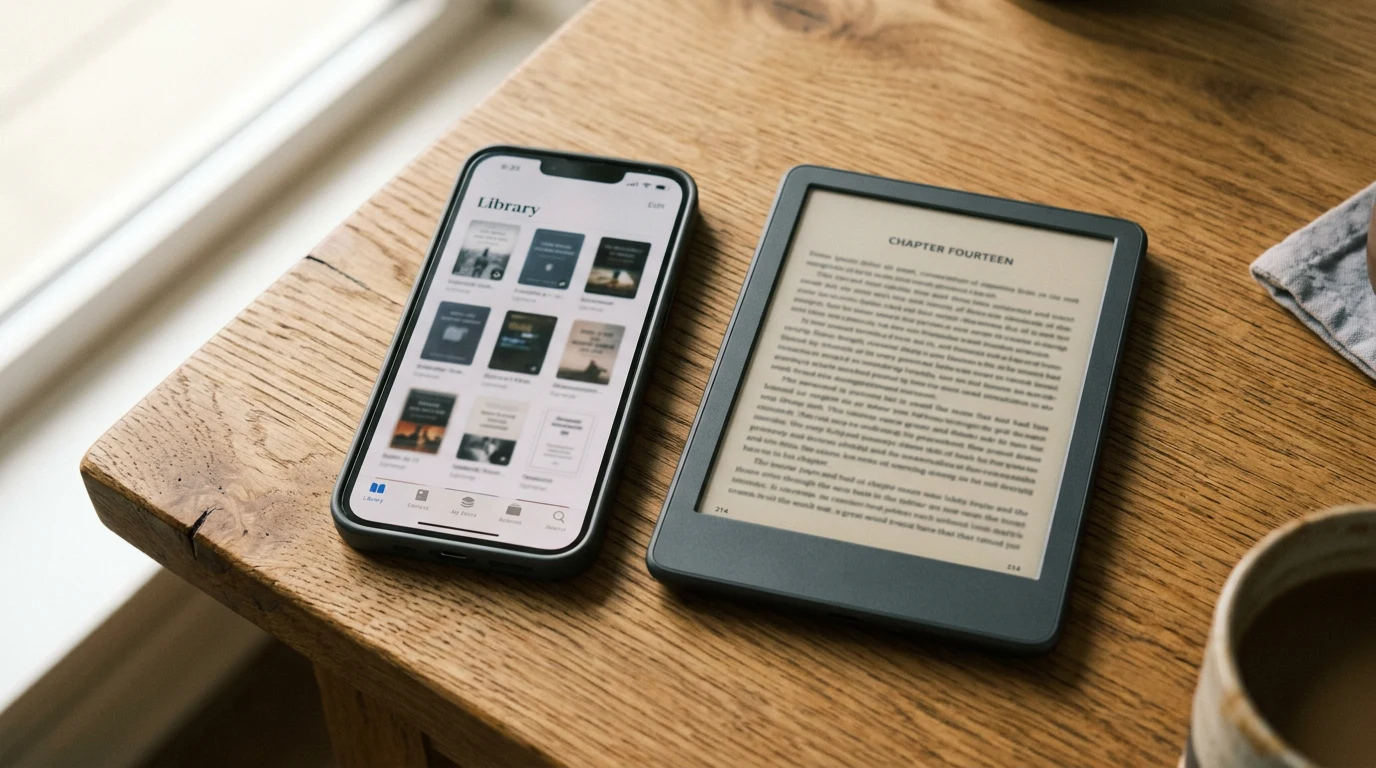
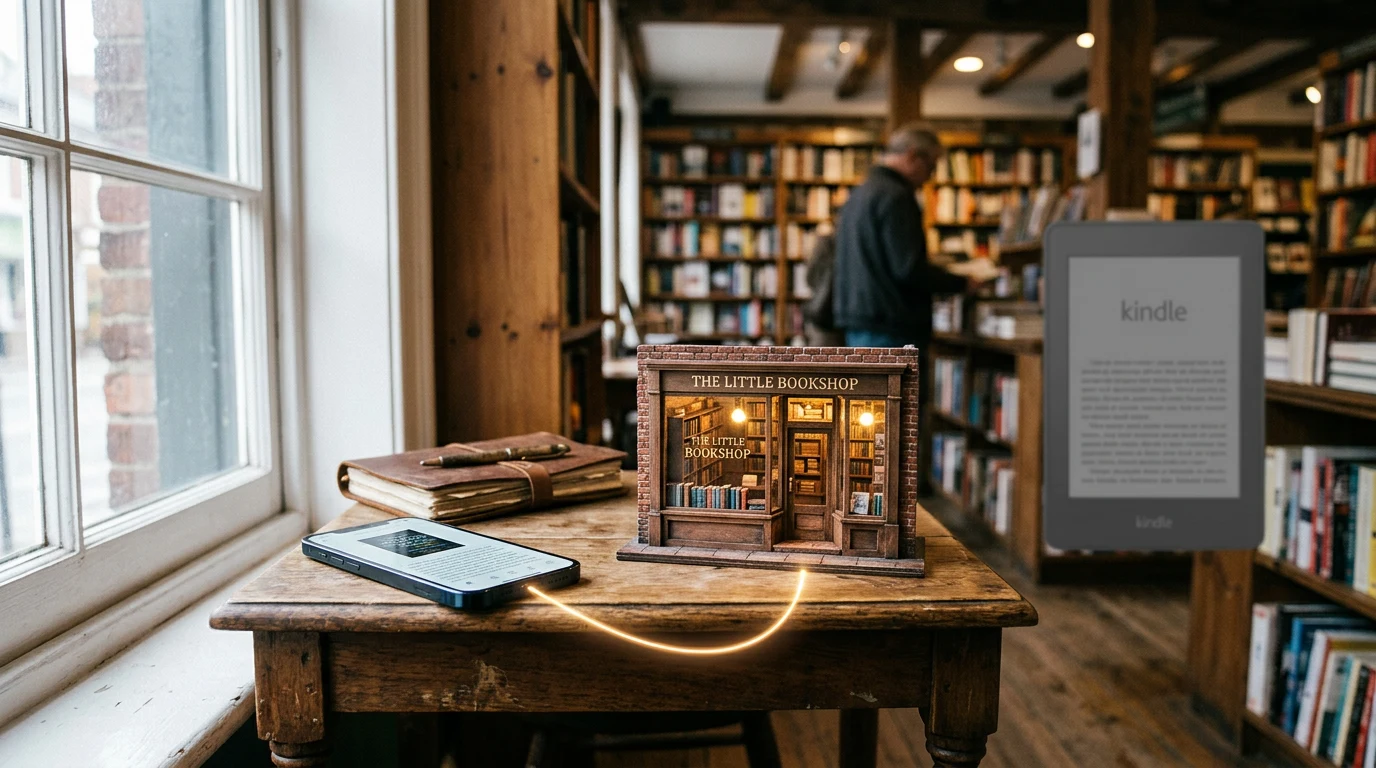
The routine for new books: buy or select the title in a web browser on your computer, use the download-and-transfer option Amazon provides for older hardware, then copy the file to the Kindle over USB like any sideloaded book. Your existing library, notes, and settings were never at risk — this is a storefront closing, not a confiscation. And if the day ever comes when even transfers stop, open-format files from other stores will keep the hardware useful.
Why is the seven-year window the real story here?
Because the window, not the device, is what failed. E-readers are physically sturdy — screens and batteries routinely outlast corporate patience — but per the roughly seven-year support practice that Good e-Reader and T3 describe, every Kindle ships with an invisible expiry date on its services. That reframes buying decisions: check the support horizon, keep backups, and favor DRM-free files that survive hardware generations. Librarians have fought this battle for decades; the Library of Congress digital preservation program exists precisely because digital content tends to outlive the containers it arrives in.
Can I still read books on my pre-2012 Kindle?
Yes — reading is untouched. Books already on the device keep opening, annotations stay where you left them, and sideloaded personal documents behave as before. What ended on May 20, 2026 is the on-device Kindle Store: browsing, buying, and wireless delivery of new titles. Your old Kindle remains a reader; it just stopped being a shop.
Can I still put new books on an old Kindle?
Yes, through the browser-plus-cable route. Buy the ebook on Amazon's website from your computer, use the download-and-transfer option for your device, then copy the file to the Kindle over USB. It adds a few steps compared with wireless delivery, but it keeps a fourteen-year-old gadget fully stocked with new reading material.
Which Kindles might lose store access next?
Nobody outside Amazon knows, and the company announces cutoffs per device generation rather than on a public schedule. The rough guide its update practice implies: readers beyond about seven years old live closest to the edge. If your Kindle matters to you, keep it stocked via USB now and watch for Amazon email notices.