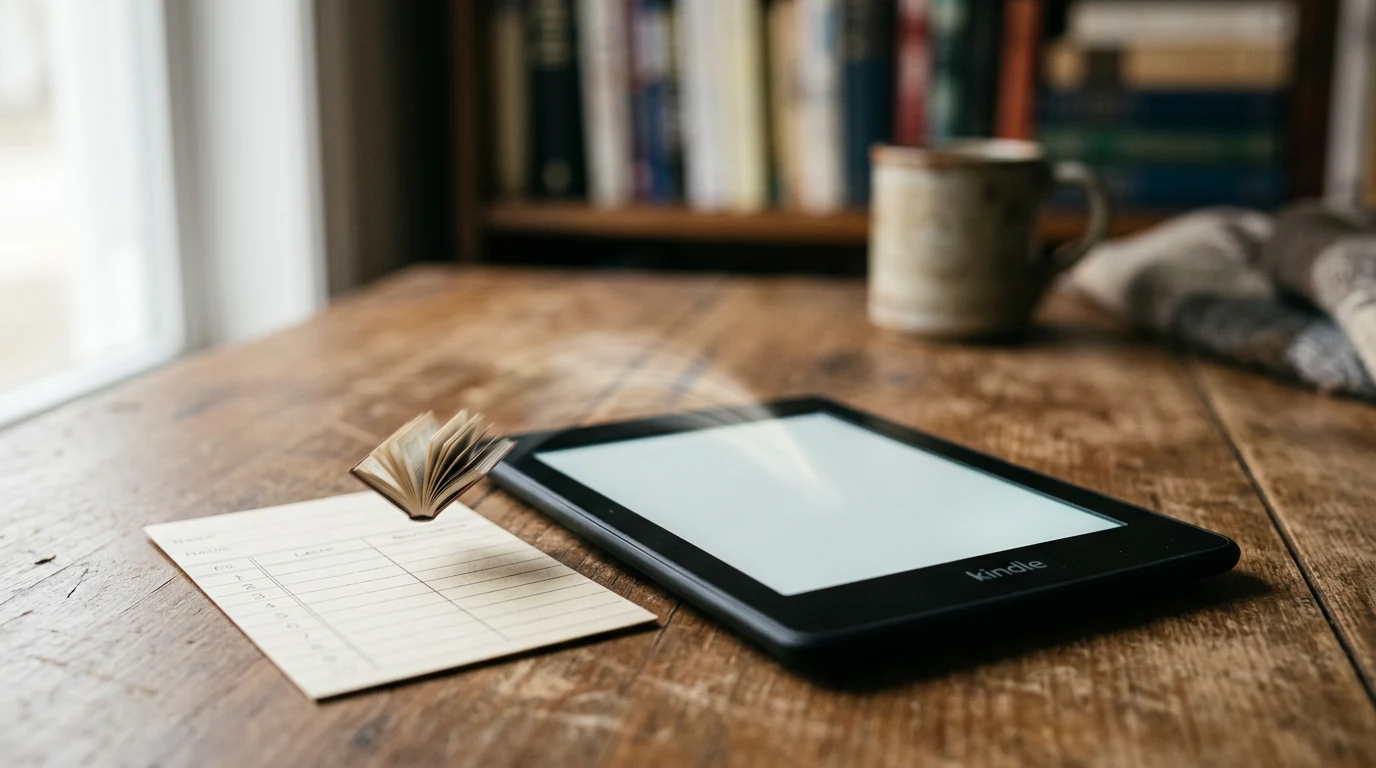
Yes — every current Kindle can read library ebooks borrowed through the free Libby app: send the loan to the device from inside Libby, or borrow straight from your library's OverDrive website and tap "Read now with Kindle." The one hard limit, per OverDrive's own support documentation, is that Kindle lending works for library accounts in the United States only.
Can I actually read library books on a Kindle e-reader?
Yes, for U.S. library cardholders. The loan itself comes from your library's OverDrive/Libby collection, not from Amazon's store, and gets delivered to the Kindle the same way a personal document would. OverDrive's support site states plainly that "Kindle Books are currently available for U.S. libraries only" — readers outside the U.S. can still use Libby, but not this Kindle-delivery path.
How do I send a Libby loan to my Kindle?
This is the faster route if you already borrow through the Libby app. Per Libby's own help documentation, the process is:
- Open Libby and go to the Shelf tab
- Tap Loans
- Tap "Read With..." on the borrowed title
- Choose Kindle
- Sign into your Amazon account if prompted
- Tap "Get Library Book" — the title then appears across your linked Kindle apps and devices
Libby's documentation is explicit that this only covers "most" titles, not all of them, and that it's a U.S.-only feature: "You can read most Libby books on a Kindle ereader (available in the U.S. only)." For Fire tablets specifically, Libby's own guidance points people toward reading inside the Libby app rather than routing through this Kindle-sending option.
How do I borrow directly from my library's OverDrive website instead?
Some readers skip Libby entirely and borrow from their library's dedicated OverDrive website (findable through overdrive.com). Per OverDrive's support pages, that path looks like this:
- Go to your library's OverDrive website
- Use advanced search and filter results to "Kindle Book" format
- Select Borrow and sign in with your library card
- Choose a lending period, where your library offers more than one option
- Click "Read now with Kindle"
- Finish the handoff on Amazon's site by selecting "Get Library Book"
OverDrive lists the same requirements for this route: a U.S. library, a valid library card, a linked Amazon account, and a Wi-Fi connection for the Kindle to pull the file down. Its documentation also flags that some formats — picture books, read-alongs, and graphic novels among them — carry device restrictions worth checking before you borrow, since not every title behaves the same way on an e-reader screen.
Sending from Libby vs. borrowing on the OverDrive website
| Method | Where you start | Amazon account needed? | Best for |
|---|---|---|---|
| Libby app "Read With..." | Libby's Shelf > Loans | Yes, at the send step | Readers who already manage holds and loans in Libby |
| Library's OverDrive website | Your library's OverDrive site via overdrive.com | Yes, at the send step | Readers who prefer browsing and filtering by format in a browser |
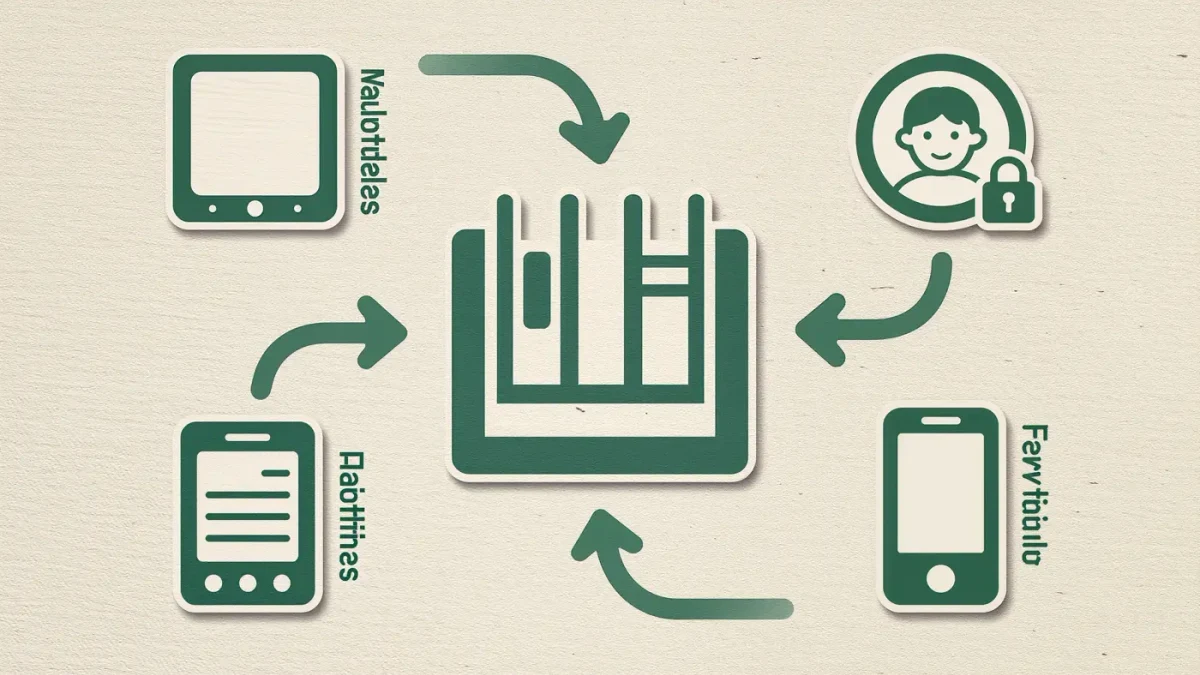
Both routes end the same way, per OverDrive's documentation: the book is delivered to the Kindle over Wi-Fi and shows up on every device signed into that Amazon account.
What happens when the loan period ends?
The book expires automatically once the lending period is up, according to OverDrive's support documentation, which also notes that borrowers can return a title early or renew it through the library's OverDrive site rather than waiting it out. None of the supplied sources specify how quickly a Kindle needs to reconnect to Wi-Fi to process an expiration, so treat that timing as a library-by-library detail rather than a fixed rule.
Why does a book show a wait list, and how long is a hold good for?
Library ebooks work on a one-copy, one-borrower model, the same as a physical book. In a 2021 hands-on account, Engadget described the mechanic directly: titles "can't be checked out right now due to a lack of free copies (library ebooks are limited to one user at a time)," and readers who place a hold get roughly three days to accept it before it's offered to the next person in line. That piece also noted a limit of 10 holds per library card, though hold caps are the kind of setting an individual library can adjust, so it's worth confirming with your own library rather than treating that figure as universal in 2026.
Does this work the same way outside the United States?
No. Both of OverDrive's own support pages state the Kindle-delivery option is limited to U.S. libraries. Readers elsewhere can still borrow and read through the Libby app itself — its in-app reader isn't restricted the same way — but sending a loan to a Kindle device specifically is a U.S.-only feature per that documentation, and neither of OverDrive's pages spells out a timeline for changing that.
What the sources don't settle
None of the documentation supplied here names which specific Kindle models the Kindle-delivery path supports, so don't assume every generation behaves identically — if a very old device fails to receive a loan, that's a plausible gap, not necessarily a broken setup. The sources also don't cover annotation, highlighting, or dictionary behavior on borrowed library books, or exactly how fast a device needs to sync before a loan silently expires. Treat those as open questions until a library or Amazon publishes something concrete on them.
FAQ
Do I need the Libby app, or can I do this straight from a Kindle?
You need Libby or your library's OverDrive website to start the loan — Kindle itself doesn't browse library catalogs. Once you borrow, the book is delivered to the Kindle over Wi-Fi, and reading it happens on the device like any other Kindle book, per OverDrive's support documentation.
Can I use this same Kindle-sending feature on a Fire tablet?
Libby's own help documentation says Fire tablet owners should read inside the Libby app rather than use the Kindle-sending option, without spelling out exactly why that route is discouraged there.
Why isn't a specific book available as a Kindle format?
Per OverDrive's documentation, some formats — including picture books, read-alongs, and graphic novels — carry device restrictions, so a title can be available in Libby generally without being available for Kindle delivery specifically.
How many holds can I have at once?
Engadget's 2021 account of using Libby put the cap at 10 holds per library card, applied per card rather than across an account's linked cards — but hold limits are a library-level setting, so check your own library's current policy rather than assuming that number still applies everywhere in 2026.