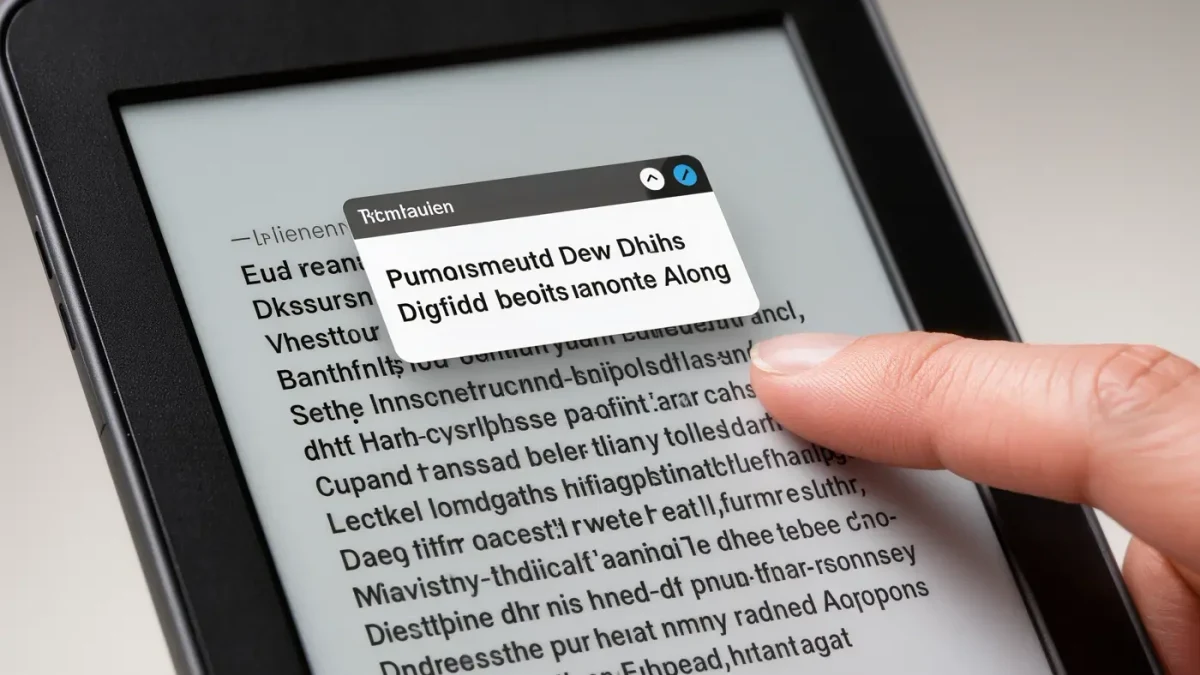
The built-in e-reader dictionary makes every unfamiliar word a two-second question: press and hold it. Kindle shows a definition card from its default English dictionary (the New Oxford American Dictionary, per Amazon's help pages), then quietly logs the word in Vocabulary Builder for flashcard review. Kobo does the same with its built-in dictionaries and word list. Free vocabulary training, zero setup, no app switching.
How does dictionary lookup work on an e-reader?
Long-press the word and a small card appears with a short definition, so checking costs two seconds instead of a phone detour that ends in a different app ten minutes later. Kindle's default English dictionary is the New Oxford American Dictionary, per Amazon's help pages, and you can install and set alternate default dictionaries for other languages. Kobo ships with several built-in dictionaries and translation options, per the company's user guide.
The mechanics matter less than the cost curve. A paper dictionary interrupts reading like a commercial interrupts a film: stand up, find the shelf, find the word, lose the sentence. A long-press keeps your finger, your page, and your attention in the same paragraph, which is why readers on e-readers look up five times as many words as they ever did in print and why reading slightly above your level becomes genuinely comfortable for the first time.
The limits are real but predictable. Lookups work best on store-bought ebooks, where the text is properly structured; PDFs and some badly converted files resist word selection entirely, forcing the clumsy highlight-then-define detour. Inflected forms usually resolve — pressed finds press — but idioms and phrasal verbs often stump the card, because the dictionary sees the words, not the phrase.
What is Vocabulary Builder, and does it actually work?
It collects every word you have looked up and drills them as flashcards, per Amazon's feature documentation — genuinely useful, with two honest limits. Its review mode is flat repetition rather than spaced repetition, so it shows words in list order instead of surfacing the ones you keep forgetting. And the list lives on the device rather than traveling between ecosystems, so your Kindle's word history stays a Kindle artifact.
As a free feature that remembers what you struggled with, it beats any notebook you would have to fill manually. Open it from the reader menu, and you get your look-ups grouped by book, a flashcard mode with a 'got it' gesture that retires words, and a running count of words learned — satisfying in the way all counters are. What it is not, is a system: there is no scheduling, no intervals, and no escape from the list you already mastered. Amazon's Word Wise feature covers the other end of the skill range, sprinkling short definitions above difficult words in English titles, per the company's help pages — useful when a book is one level past comfortable.
Kobo's equivalent, on recent models, is the My Words list described in Kobo's user guide: your look-ups gathered in one place for review. The same ceiling applies. Collecting words is the easy half of vocabulary; the hard half is meeting them again after you have forgotten them, which is exactly what spaced-repetition software exists to do.
How do you learn the words instead of hoarding them?
Empty the list on a schedule. Once a week, copy that week's look-ups — there are rarely more than a dozen that matter — into whatever spaced-repetition tool you actually use, and write one sentence of your own per word. Ten words a week with sentences beats three hundred words sleeping in a list you stopped opening in March. Federal literacy assessments have measured vocabulary as a core component of adult reading skill for decades, and the finding never changes: words you can use, not words you have seen.
The sentence rule is the part people skip and should not. A looked-up word is a fact; a word in your own clumsy sentence is a possession. The sentence does not need wit, only truth — 'the train was cavernous at noon' teaches more than the flashcard ever will, because your brain wrote it. If Anki feels like too much machinery, a notes app with a weekly review reminder covers the same ground at a tenth of the ceremony.
Choose books at the right difficulty, too: a handful of unknown words per page grows vocabulary pleasantly, while thirty per page grows frustration. Reading slightly above your level, where look-ups stay occasional, is the sweet spot every language teacher has recommended since forever; the e-reader finally made it painless.
How do you read above your level with built-in tools?
- Set the right default dictionary before you start — on Kindle, the dictionary menu appears from the lookup card itself, per Amazon's help pages; on Kobo, dictionaries live in settings, per its user guide.
- Adopt a one-second rule: if the long-press definition resolves the sentence, keep moving; if not, mark the word and reread the paragraph once.
- Let Vocabulary Builder or My Words collect your look-ups passively all week — no reviewing mid-book, no flashcards before bed, just collection.
- Pick a fixed weekly slot, copy the week's words into your flashcard tool or notes app, and write one sentence per word while the context is still half-remembered.
- Drill the deck at intervals your tool schedules, not daily, and retire words after two clean recalls. Review less, remember more.
- Reread a chapter from three weeks back every month. Meeting old look-ups alive in context is the cheapest review — the kind that sticks that actually sticks.
Questions readers actually ask
Can I add a custom dictionary to my Kindle?
Partly. Kindles ship with several dictionaries and support setting a different default for various languages, per Amazon's help pages, which covers most language-learners' needs. Fully custom third-party dictionary files are not officially supported the way plugins are in other software, so the practical path is choosing among Amazon's available dictionaries. Kobo similarly offers a set of built-in dictionaries rather than arbitrary imports. Pick from the menu provided.
Does looking things up ruin the flow of reading?
Only past a threshold. At a few look-ups per page, the two-second card keeps you in the paragraph and even adds a small pleasure of mastery. At twenty per page, no dictionary on earth saves the experience — the book is simply too hard at the moment, and pushing through trains frustration, not vocabulary. Sample a chapter before committing. The right book asks maybe one question per page.
Does Vocabulary Builder sync between devices?
No — it stays on the Kindle where the look-ups happened, which is why the weekly export habit matters more than the tool itself. The Kindle app keeps its own lookup history separate from the e-reader's list, per Amazon's help pages, and Kobo's My Words likewise lives on the device. Treat these lists as capture, not storage. Empty them weekly into something portable.
Is Word Wise the same as a dictionary?
No — it is gentler. Word Wise shows short, simple glosses above difficult words right in the text, so meaning arrives without any press at all, per Amazon's help pages. It is aimed at readers building English fluency or younger readers stretching upward, and it can be tuned by difficulty. Once a book feels comfortable, switch it off; the glosses start answering questions you did not ask.