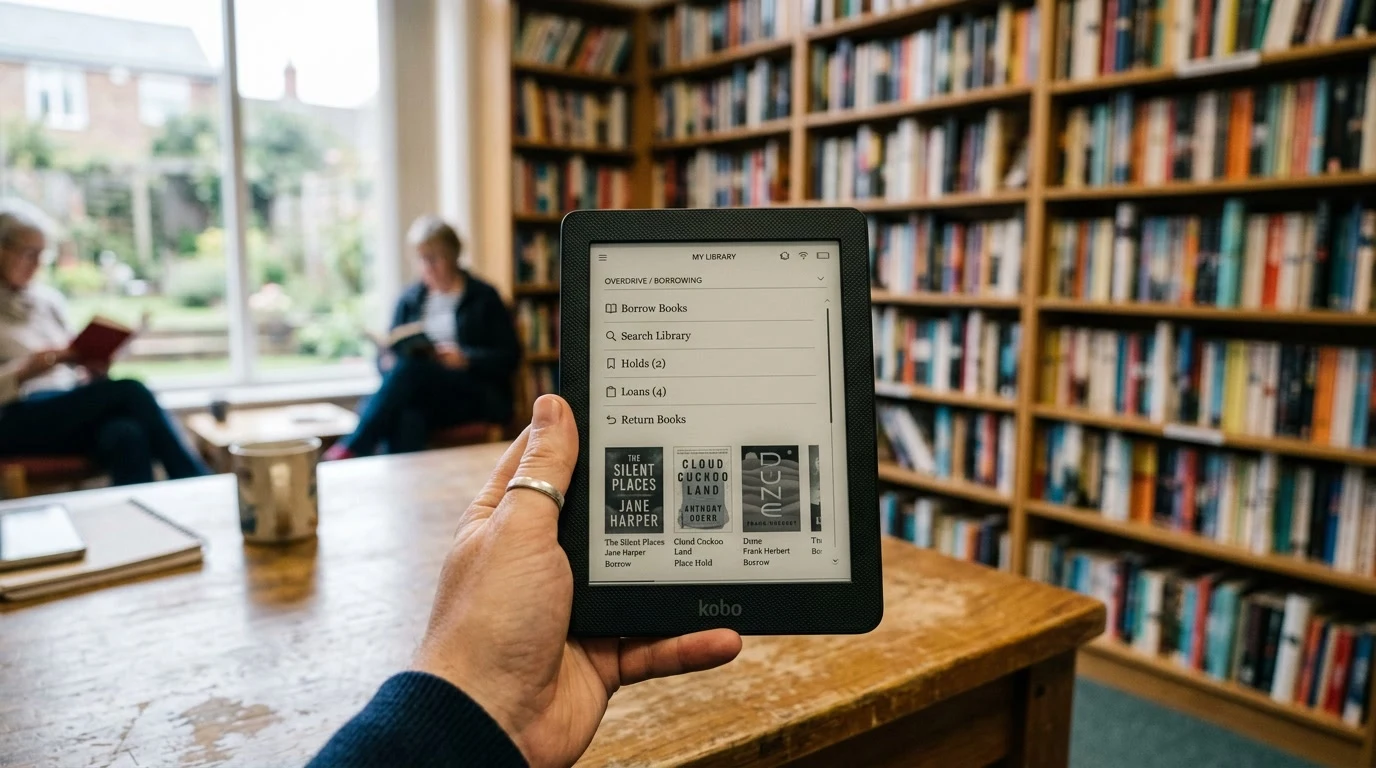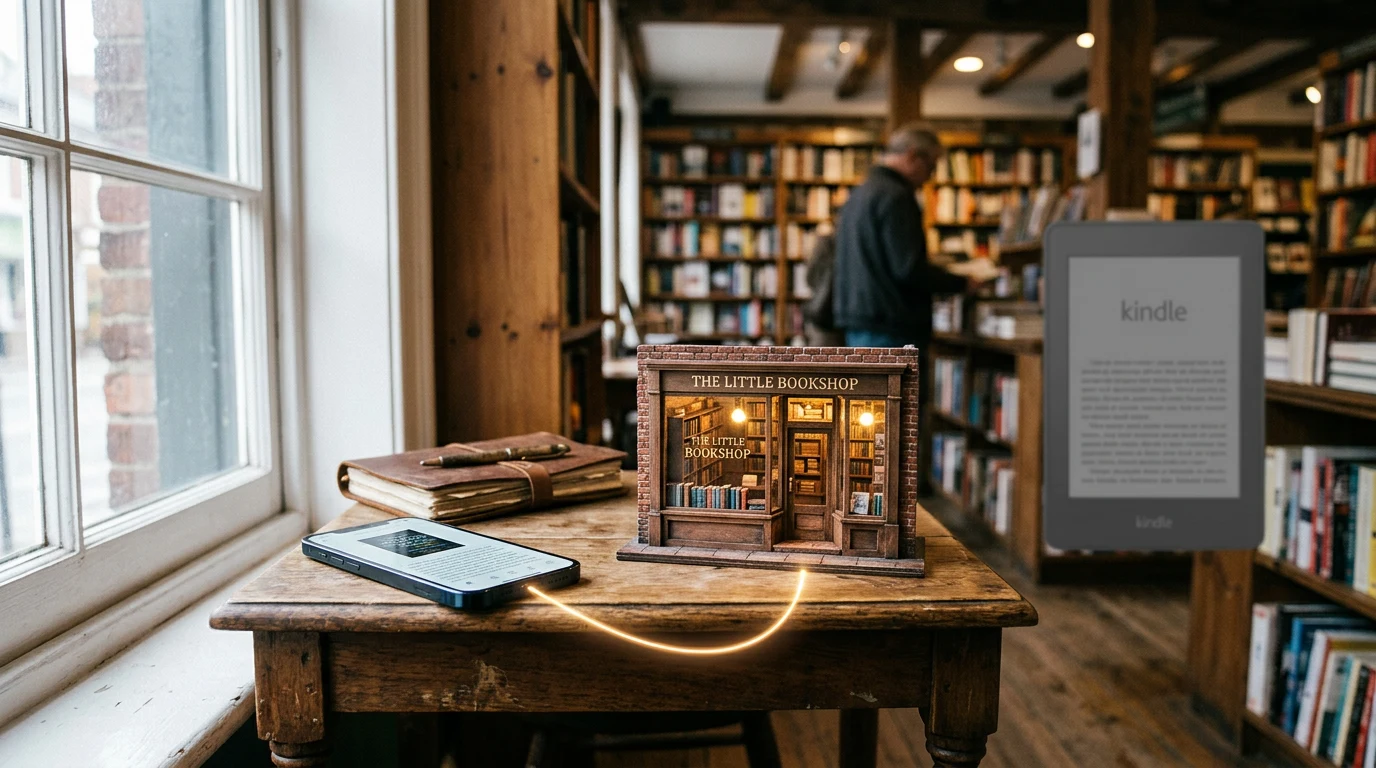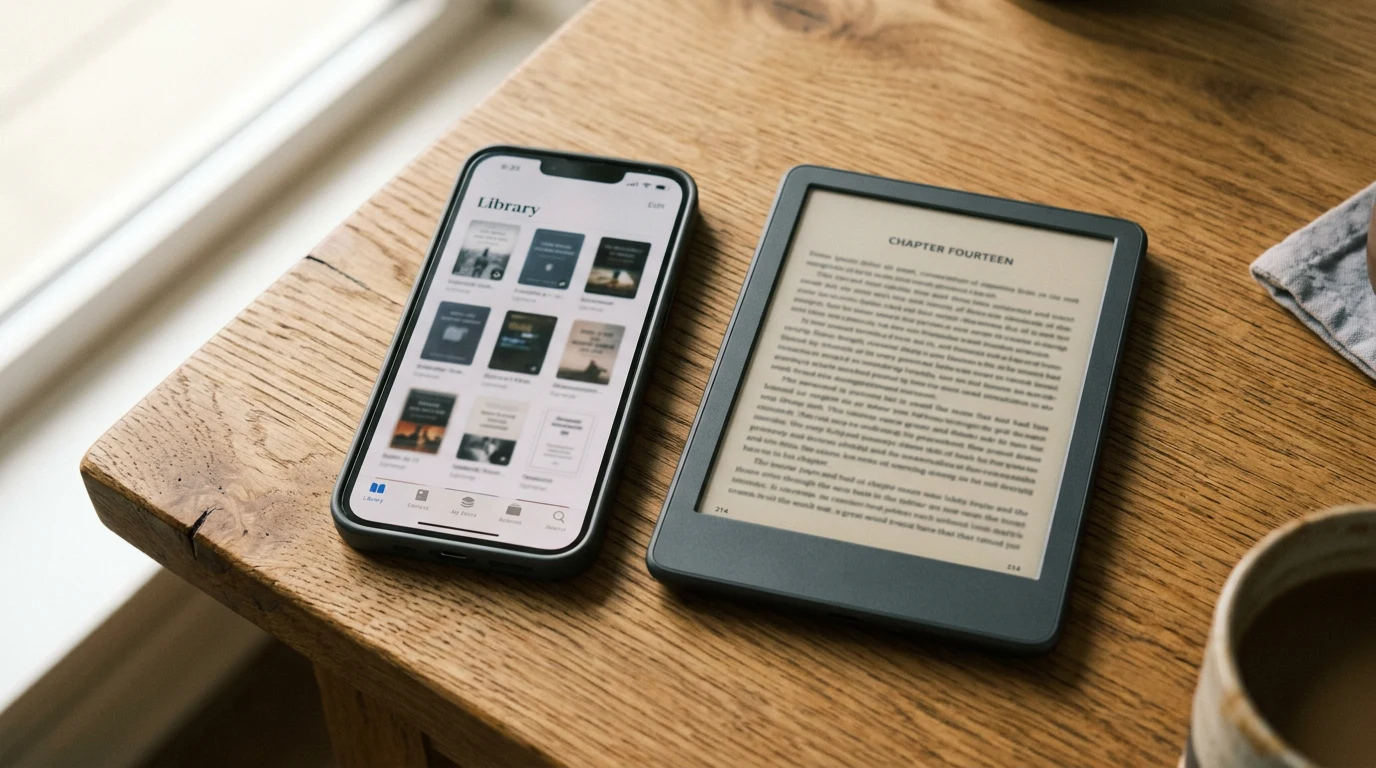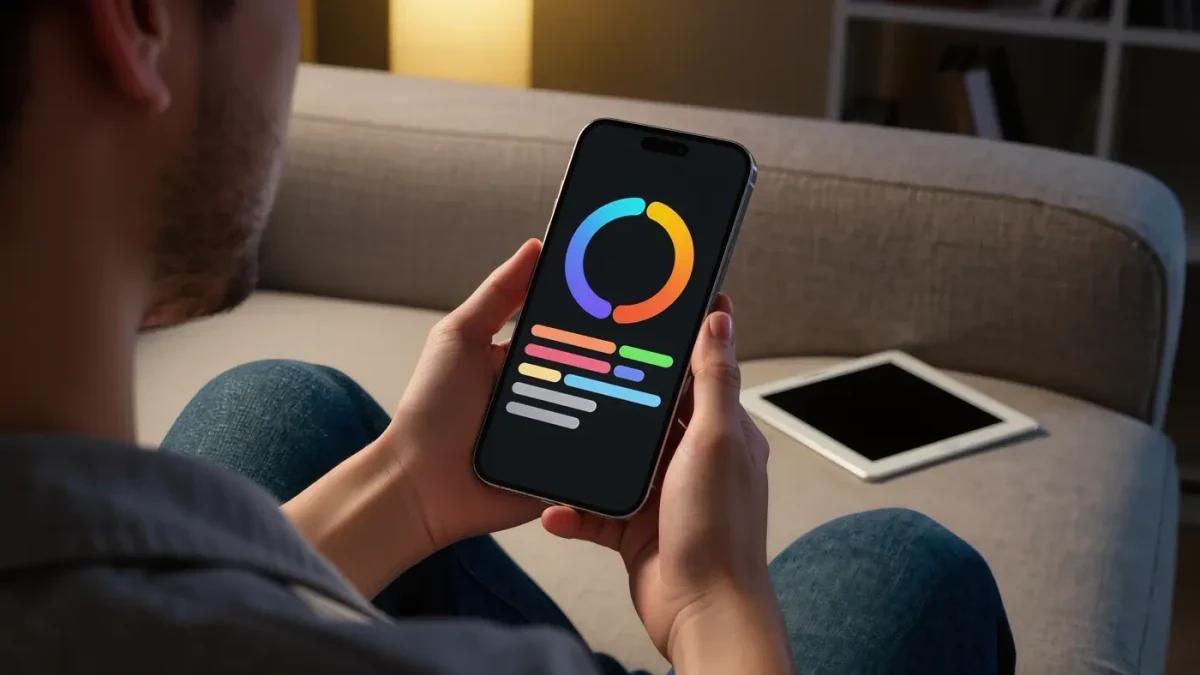
Kobo readers can stop updating their reading log by hand. The Kobo and StoryGraph integration went live in June 2026, per Kobo's official blog: link the two accounts, and reading progress from Kobo devices and apps flows automatically into StoryGraph, one of the most popular reading trackers around.
Setup takes about a minute, per Kobo's official guidance:
- Sign in at Kobo.com.
- Open Account Settings and choose Integrations.
- Select StoryGraph and approve the connection.
From then on, progress recorded on Kobo hardware and apps pushes to StoryGraph automatically. For anyone who abandoned trackers because typing page numbers felt like homework, that friction just disappeared. The same impulse that turned step counts into a hobby powers reading analytics too — institutions like the National Endowment for the Arts survey reading habits at the population level, while StoryGraph tracks yours.
What does the Kobo StoryGraph integration change for readers?
Manual logging dies, mostly. Once linked, every reading session on a Kobo device or app updates your StoryGraph progress without you touching anything, so streaks, stats, and yearly challenges stay current by themselves. The tracker stops being homework and becomes a passive byproduct of actually reading.
What flows is your reading progress: where you are in a book, finished dates, and the session data StoryGraph turns into graphs, streaks, and challenge updates. StoryGraph itself remains a separate app for everything else — manual entries for paper books, reading from non-Kobo sources, and its recommendations. Kobo has simply removed the copying step for the part of your reading life that happens on its hardware.
What is the catch with sideloaded books?
The overlooked limit: the sync works best for books bought from Kobo. Early user reports suggest sideloaded EPUBs — library files, purchases from other stores — do not always match up with StoryGraph entries, so part of your reading may still need manual attention. There is a privacy footnote too: linking accounts means your reading data now flows to a second company, and Kobo's help pages describe exactly what is shared. Unlinking lives in the same Integrations menu that linking does.
How do I connect Kobo to StoryGraph?
Sign in at Kobo.com, open Account Settings, select Integrations, choose StoryGraph, and approve the prompt, per Kobo's official setup guide. The whole ritual takes under a minute and needs no cable or app installation. Once approved, future reading progress on Kobo devices and apps syncs into your StoryGraph account automatically.
Do sideloaded EPUBs sync to StoryGraph?
Unreliably, per early user reports. Books bought from Kobo match their StoryGraph entries cleanly, but sideloaded files — library downloads, purchases from other stores — do not always associate correctly, leaving gaps in your stats. Treat the sync as excellent for your Kobo library and partially manual for everything else until the matching improves.
Can I unlink my Kobo and StoryGraph accounts?
Yes. The Integrations menu in your Kobo account settings that created the connection also removes it, and data sharing stops when you disconnect. If privacy is the concern, Kobo's help pages describe what gets shared while the link is active. Breaking up is as easy as the setup was — no emails to support required.