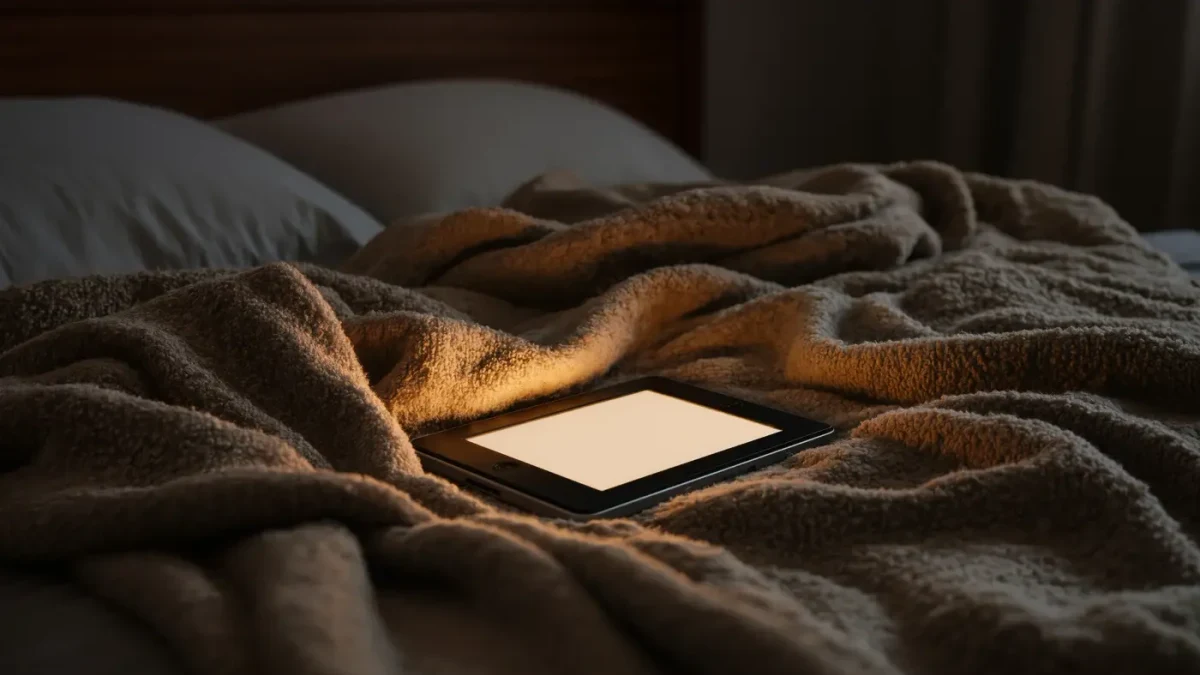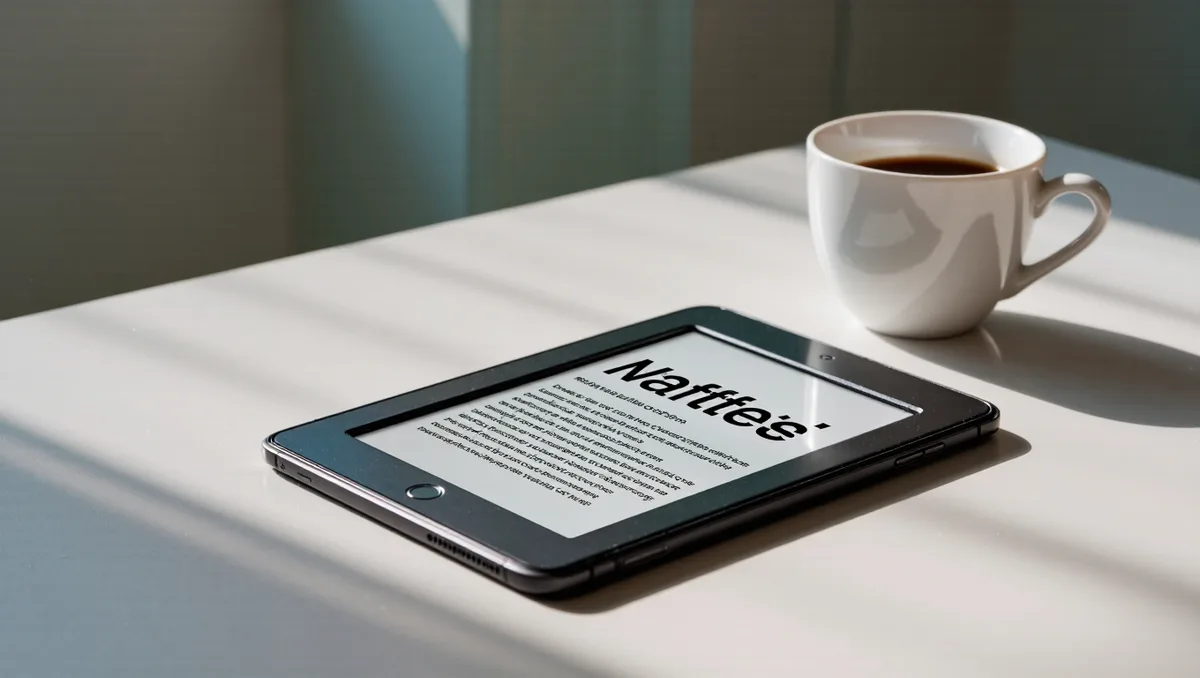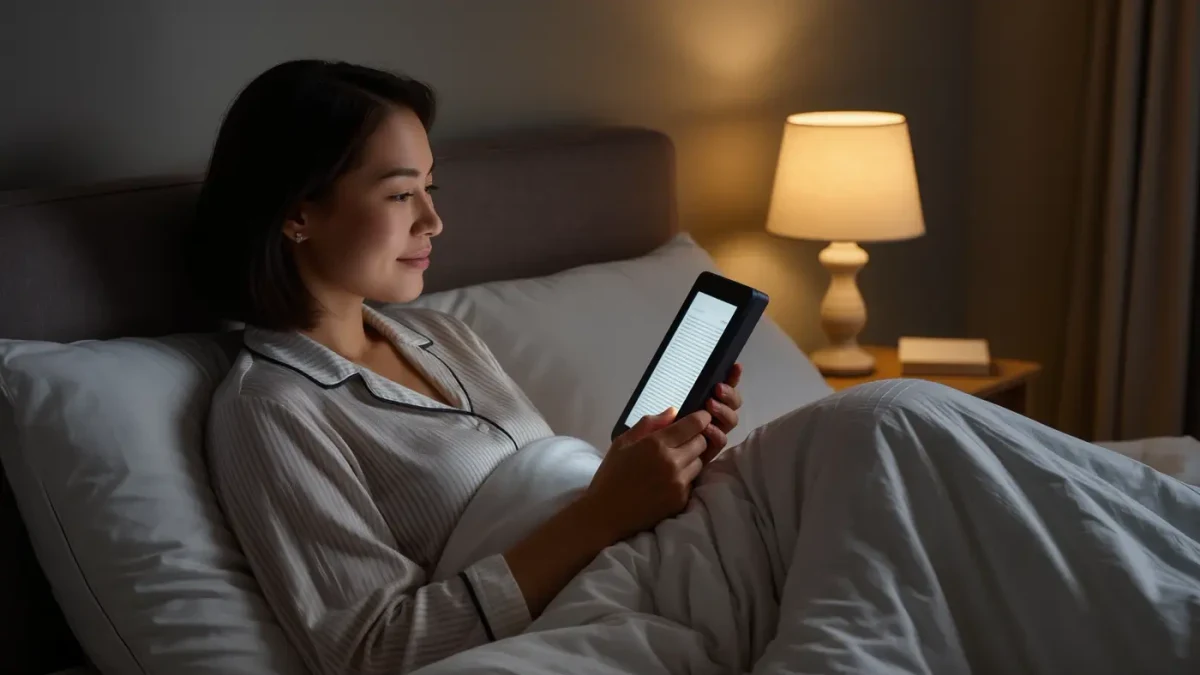
Yes, you can read at night without eye strain, and it takes three settings: front light at the lowest comfortable brightness, the warmest color temperature your device offers, and a font you are not squinting at. Kindles have offered adjustable warm light since 2021 and Kobos since 2018 — per both companies' spec pages — so the tools are already in your hands. The rest is honestly about bedtime discipline.
Does a front-lit e-reader strain your eyes at night?
Not the way a phone does. A front light sits along the screen's edge, throws light across the e-ink surface, and lets it bounce back to your eyes the way lamplight bounces off paper; the page itself emits nothing and does not flicker at rest. Night-time strain usually comes from brightness set too high, tiny text, dry eyes, and staying up an hour past bedtime. The display is rarely the culprit.
The contrast with phones is structural, not aesthetic. A phone's backlight shoots a lit image straight toward your retina, and even a dimmed panel remains a small bright rectangle floating in a dark room. A front-lit e-reader inverts that: light hits the surface, scatters, and comes back softened. Amazon's help pages describe the front light as an optional layer you can dial to zero in daylight — the display underneath keeps working like paper. When someone says a Kindle hurt their eyes at night, the brightness slider is usually pegged near maximum, which patiently rebuilds the phone problem one layer away.
Mayo Clinic's patient guidance on eyestrain, as of 2025, lists the quieter causes: long unbroken focus at close range, glare, dry indoor air, and uncorrected prescriptions. Notice what is missing — nothing about e-ink specifically, because the display type matters far less than the conditions around it.
What brightness and warmth should you actually use?
The lowest brightness at which text still looks crisp in your darkened room, plus the maximum warmth that still looks white rather than tea-stained. That is the whole recipe. If the page glows like a lantern or leaves afterimages when you glance away, you are past comfortable — drop two notches and give your eyes a minute to recalibrate. When in doubt, go dimmer. You can always come back up.
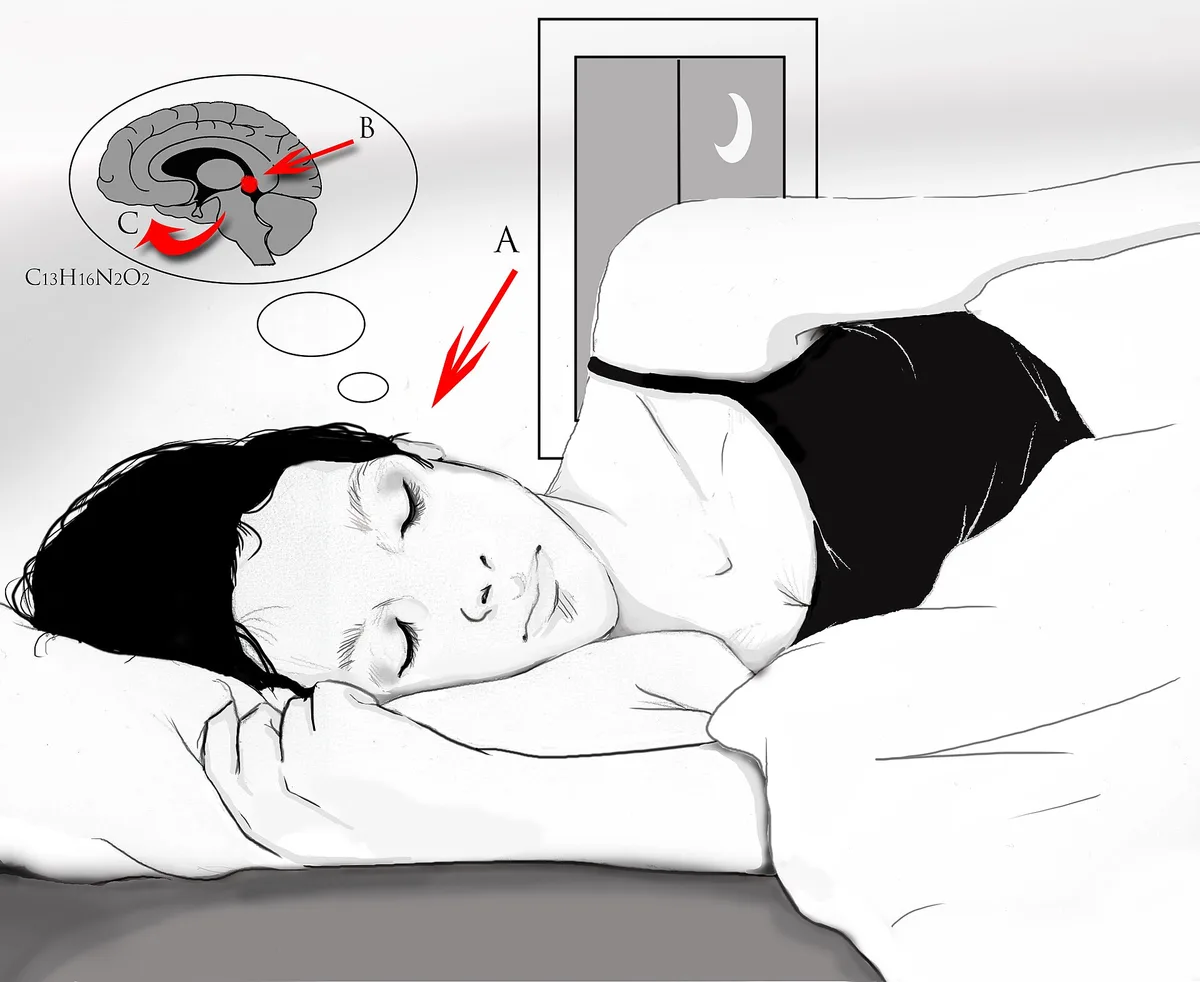
Warm light deserves its popularity, with one honest footnote. Amber-toned front lights — Amazon's adjustable warm light on the Paperwhite and Scribe lines, Kobo's ComfortLight PRO — trim the blue-heavy end of the LED output, and most readers simply report that warm pages feel calmer at 11 p.m. The stronger claim, that screen blue light measurably wrecks sleep, has produced genuinely mixed study results since the mid-2010s: a 2015 Harvard-affiliated trial found evening tablet reading delayed melatonin, while several later controlled studies found weaker or absent effects. Treat warmth as comfort, not medicine, and nobody can oversell you.
Practically: set the brightness in the room where you will actually read, not in the hallway with the ceiling light on. E-readers remember the last setting, so a one-time setup on the first night mostly persists — though the Kindle app keeps its own separate brightness slider, so give that a pass too.
Is dark mode easier on your eyes at night?
Sometimes, and it is not a free win. Inverting to white-on-black lowers the total light in the room, but on e-ink it also thins the letterforms, makes ghosting easier to notice, and turns each full page refresh into a white blink. Readers with astigmatism often report halation — a soft fringing around white text on black. Try it for a week. Your eyes will vote quickly.
On Kindles the toggle lives in the quick settings while reading, per Amazon's help pages, and Kobo ships inverted and night modes on recent firmware. Neither mode is medically superior: dark mode reduces light, which lowers glare, which can reduce strain — a chain, not a law. If a dim white page already feels fine, you are done. Do not invert out of principle.
How do you set up an e-reader for night reading?
- Dim the room first, then the reader. A small bedside lamp on, overhead off, then adjust the front light down until the page matches the room instead of lighting it.
- Push warmth to the high end of comfortable. Full amber looks sepia on some devices; one or two notches back usually reads clean while keeping the tone soft.
- Bump the font one size larger than daytime. Night vision skews toward fewer, larger targets, and a bigger font cuts the urge to lean in and hover over the screen.
- Run a one-week dark mode trial if your device has it. Same book, same hour, half the week inverted. Note which night felt easier rather than which felt trendier.
- Set a stopping cue before you start — a lamp timer, a chapter number, an alarm labeled kindly. Settings tune the light; only a cue tunes the hour.
What can settings not fix?
Dry eyes, distance, and bedtime. Sessions in dry bedrooms cause much of what people blame on screens, and Mayo Clinic's eyestrain guidance suggests the low-tech trio: the 20-20-20 habit (every 20 minutes, look about 20 feet away for 20 seconds), deliberate blinking, and moving the screen slightly farther away. And no slider on earth fixes a plot that keeps you up until 2 a.m. A warm, dim, perfectly tuned reader will happily help you lose sleep if the book is good enough. That part is on you. Enjoy it responsibly.
Questions readers actually ask
Does reading in the dark damage your eyes permanently?
No — strain, not damage. Mayo Clinic's guidance describes digital eyestrain as uncomfortable but temporary, easing once you rest your eyes, and the folk warning that dim reading ruins eyesight has no clinical backing. You may end up with tired eyes or a mild headache, and a night of sleep resets both. Make the light comfortable and read on.
Do I need warm light, or is low brightness enough?
Low brightness does most of the work; warmth is the upgrade. If your reader lacks a color-temperature control — the entry-level Kindle has stayed without one as of 2025, per Amazon's spec pages — a dim, even front light still beats a phone screen at the same hour. If you have the option, use it. Most people prefer it once they try it.
Does dark mode save battery on an e-reader?
Barely. E-ink draws power on page turns, not while holding an image, so the real battery lever is the front light itself: lower brightness means longer runs between charges. Dark mode's battery effect on E Ink is negligible, unlike OLED phones where black pixels genuinely switch off. Turn the light down instead. That is the dial that pays.
Is an e-reader actually better than a phone for night reading?
For most people, yes. The front light, the matte surface, the absence of notifications, and zero flicker at rest add up to a calmer package than an LCD in the same dark room, and a single-purpose device will not lure you into a 40-minute detour through feeds. Phones can be dimmed into decency. They just rarely stay that way.