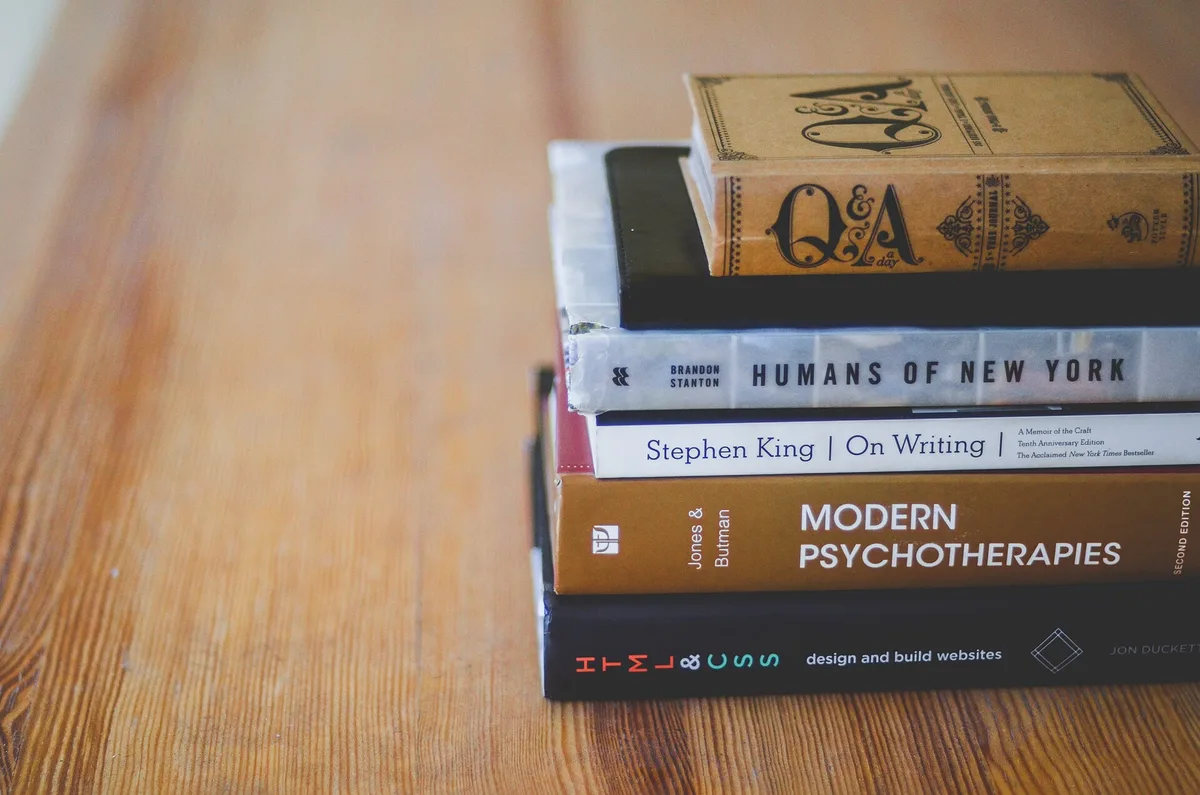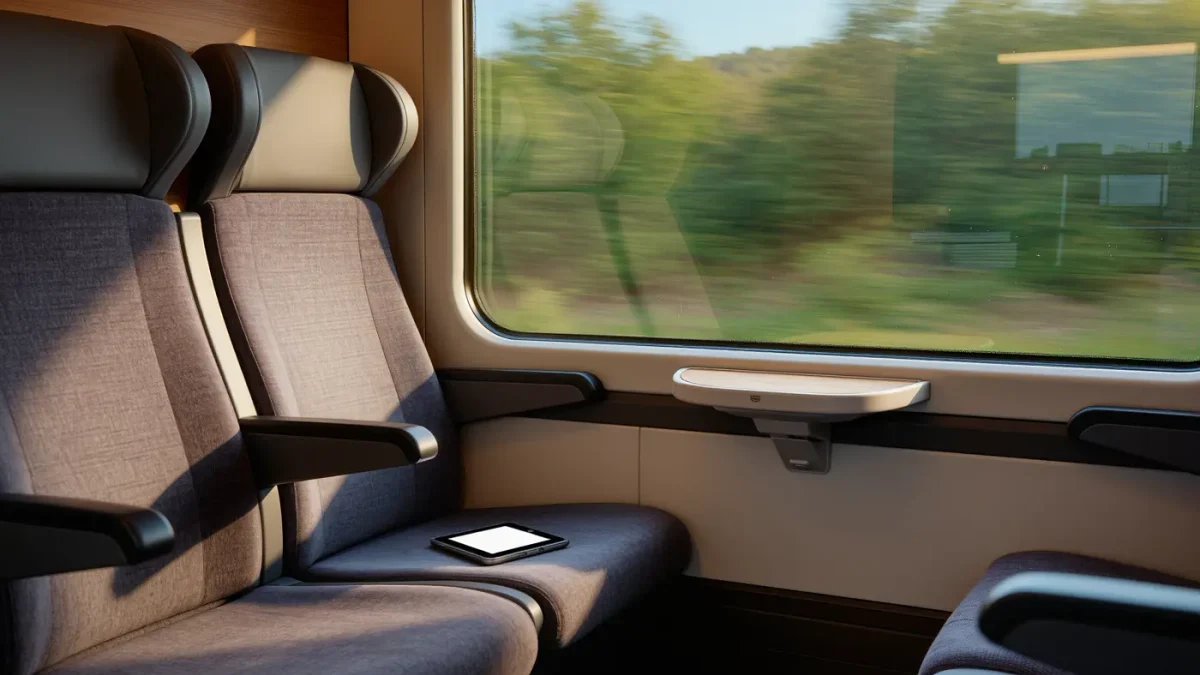
To read more on your commute, treat it as scheduled reading time rather than dead time — the numbers get interesting fast. The average one-way US commute ran about 27 minutes in the Census Bureau's pre-2020 American Community Survey data, and at the roughly 238-words-per-minute average from a 2019 reading-speed meta-analysis, two daily rides clear a whole novel most weeks. The setup does the heavy lifting. Not the willpower.
How much reading time does a commute really hold?
More than it feels like. Two 27-minute rides add up to almost an hour a day; at the average silent-reading speed measured in a 2019 Journal of Memory and Language meta-analysis — about 238 words a minute for typical nonfiction, slightly higher for fiction — that hour covers roughly 13,000 words, or a 90,000-word novel every week. The train is a reading room with worse seating and better people-watching.
That meta-analysis, by psycholinguist Marc Brysbaert, is worth trusting precisely because it is unglamorous: it aggregated 190 studies of adults reading normally, killed the inflated speed-reading claims, and landed near 240 words a minute. Your mileage varies with fatigue, font, and whether the person beside you is watching a video at full volume — but the order of magnitude holds. An hour of commute is on the order of 13,000 words, and 13,000 words a day is fifty-plus books a year, none of it requiring a free weekend.
The catch, as every commuter knows, is variance. Transfers, delays, crowded platforms, and the social physics of rush hour can delete a session entirely. Plan for a floor, not the average: one guaranteed 20-minute ride beats a theoretical 50, and short chapters absorb disruptions that long ones amplify.
How do offline downloads and position sync work?
Download your books at home over Wi-Fi, read underground in airplane mode, and let sync sort out the page. Kindle's Whispersync keeps the furthest location across devices, per Amazon's help pages, and Kobo syncs reading position across its readers and apps the same way. Failures are rare and almost always a stale connection — open the app once where signal exists and the page catches up.
Offline mode is the part people under-use. Both the Kindle and Kobo apps store full books on the phone or tablet once you tap the download button, and e-ink readers keep their entire libraries on device by default, so a tunnel costs you nothing but connectivity. Airplane mode is also the honest commuter's battery strategy: an e-reader with the radios off and the front light moderate lasts weeks, per both companies' battery specs, which matters when outlets at the station are a rumor.
One warning from the sync-everywhere world: if you read the same book on two devices in parallel — one at home, one in transit — give the app a moment to sync when you switch, or you will joyfully re-read Tuesday's commute. Whispersync resolves conflicts by furthest position, not by which page you actually preferred, and it has opinions about skipping ahead.
What makes short-session reading actually work?
Short chapters, bigger type, and zero decisions. Books with frequent scene breaks give you a natural stopping point at every station, a slightly larger font cuts re-reading after interruptions, and a pre-picked commute book removes the browsing that quietly eats the ride. Friction, not attention span, is what you are managing. The e-reader is a friction machine pointed the right way.
E-ink earns its keep outdoors, too. The matte screen in direct sunlight is where e-readers embarrass every phone: no mirror-finish glare, no brightness panic, and the front light is simply off and free. Underground, the situation flips to lighting so dim you will want the front light a few notches up — set it once and the device remembers. In between, at platform and bus window, the screen just works, which is the entire sales pitch.
Practical accessories stay minimal: a cover with a fold-back panel makes one-handed grip effortless, and a cover beats a sleeve for commute duty because unprotected e-ink corners meet backpack zippers daily. That is the whole shopping list.
How do you set up commute reading?
- Pick the ride you can guarantee — the morning train, the 6:40 bus — and assign it to reading before the week starts. Anchor beats intention.
- Download the next two books at home over Wi-Fi, fully, not as samples. Samples expire at the exact moment the tunnel starts.
- Favor books with short chapters or scene breaks for transit, and keep the sweeping 900-page epic for home sessions where interruptions are rare.
- Bump the font a size larger than your at-home preference; commutes are full of glances up, and larger text re-anchors faster after each interruption.
- Switch to airplane mode as you board for battery and quiet, and let the app sync when signal returns — position, highlights, and streaks all catch up in seconds.
- End each ride with a deliberate stop: finish the paragraph, note nothing, pocket the reader. The next session resumes mid-scene with momentum intact.
Questions readers actually ask
Do e-readers help with motion sickness on buses and trains?
Partly, and honestly not by much. E-ink's stable, flicker-free image and the lack of scrolling help some readers who cannot manage phone screens in moving vehicles, but motion sickness is vestibular — your inner ear disagrees with your eyes, and no display technology arbitrates that. If reading aboard a bus fails, audiobooks through one earbud are the proven fallback. Trains are far kinder than buses, in general.
Does subway or daylight glare hurt the screen?
No — glare is where e-ink wins outright. The matte surface scatters light instead of mirroring your face back at you, and direct sun actually improves contrast, since e-ink reflects like paper. The front light that matters at night is simply dead weight at noon. Phones need shade and maximum brightness. The e-reader needs nothing.
Is it risky to pull out an e-reader in public transit?
Less risky than a phone, in the practical calculus most commuters use. A brandless slab reading a novel draws less attention than a flagship phone scrolling a feed, and replacing a lost e-reader hurts less than replacing a phone with your entire digital life on it. Basic habits still apply: seated reads over doorway stands, and the bag over the back pocket. Read with reasonable care.
What about standing room only — can I still read?
Yes, with two adjustments. A one-handed grip and page-turn tap zone make standing reading workable, and a font a notch larger absorbs the jostle that would otherwise turn paragraphs into a shaking blur. Short sessions of a few pages still count — the streak cares about minutes, not dignity. When the crush is truly absurd, audiobooks carry the day.