On the supplied evidence — Apple's product pages and pricing coverage from CNET and AppleInsider — the iPad (A16, 11th generation) is the pick for color e-reading, listed at $449 by Apple as of June 2026 with street prices tracked between roughly $299 and $399 in spring 2026 deal coverage. It launched at $349 in March 2025 before Apple's later price moves, so never pay list without checking. The caveat that matters: a tablet is a color-reading tool with a notification engine attached, and its battery counts hours while E Ink counts weeks. The honest answer for heavy readers is a pair. More below.
| Product | Maker | Price | Configuration | Release date | Basis of coverage |
|---|---|---|---|---|---|
| iPad (A16, 11th gen) | Apple | $449 listed as of June 2026; $299–399 street | 11-inch Liquid Retina LCD, 128 GB base, A16 chip | March 2025 | Apple product page; CNET and AppleInsider pricing coverage |
Where the evidence comes from
- Apple's iPad product page: the 11-inch display, A16 chip, and current listed pricing; the $349 launch price at the March 2025 announcement, per Apple and PhoneArena's launch coverage.
- CNET's iPad pricing coverage documenting the later rise to $449, and AppleInsider's April 2026 deal tracking showing discounts to around $299.
- Amazon's and Rakuten Kobo's product pages for the E Ink comparison anchors: Colorsoft at $249.99 and Libra Colour at $219.99.
- Mayo Clinic's eyestrain guidance for the screen-comfort section; PCMag's Boox Tab X C review for color E Ink's contrast and vividness limits.
Why buy a tablet for color reading at all?
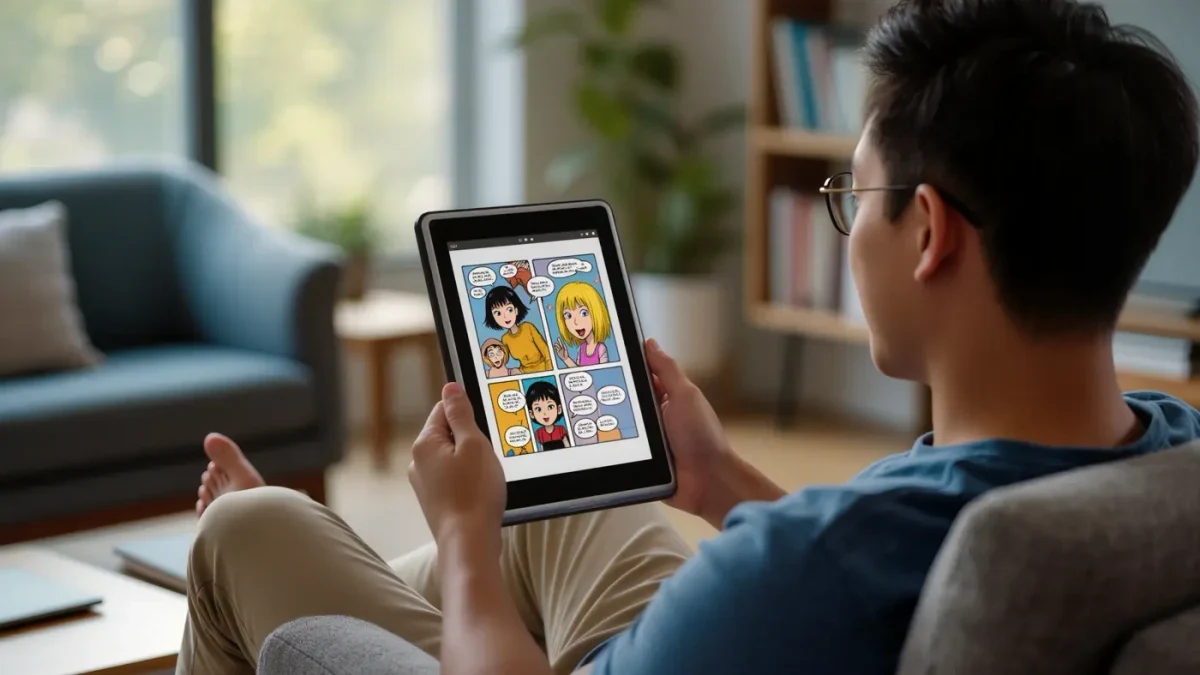
Because color E Ink still apologizes for itself. PCMag's review of Onyx's flagship color reader notes the format's limits on contrast and vividness, and no LCD ever needed that caveat. Comics, illustrated nonfiction, textbooks and children's books look the way their designers intended on a tablet — saturated, backlit, unapologetic. If your reading is genuinely colorful, this is not a close contest.
Can your eyes live with an LCD?
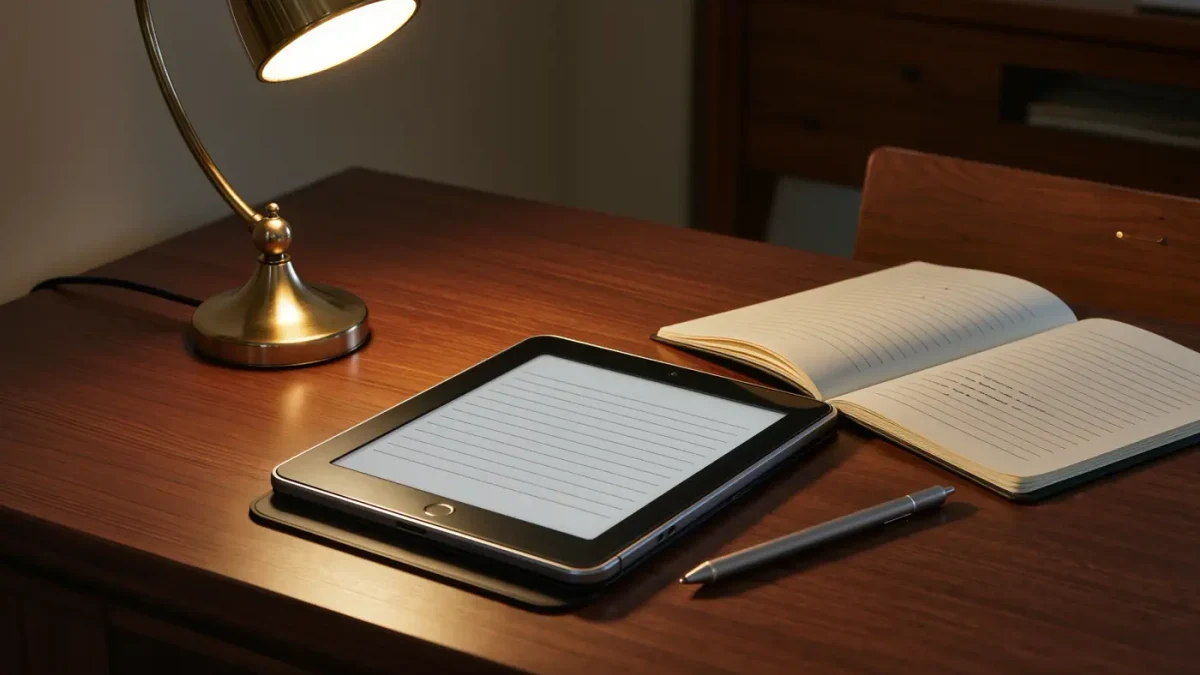
Mostly, with house rules. E Ink is reflective and matte; an iPad is emissive and glossy, indoors fine and outdoors a small mirror. Mayo Clinic's eyestrain guidance frames screen discomfort as fatigue rather than damage, and recommends managing glare and taking periodic breaks. No supplied coverage measured long-term reading comfort scientifically — anyone claiming a study-backed winner is overselling. Night Shift and brightness discipline do the rest.
Will a tablet survive a reading week on one charge?
Days, not weeks — that is the trade. Apple specifies all-day battery in hours for the iPad, against six-to-twelve-week claims on current E Ink readers per Amazon's and Kobo's spec pages. A vacation reader charging every second night is not a problem; it is a personality change if you come from E Ink. For color sessions at home, the stand lives next to the charger and all is forgiven.
What about distractions and weight?
The honest costs. A tablet runs every app you own, which means every notification you own — E Ink's single-purpose calm is a feature no spec sheet lists. Weight tilts the same way: an 11-inch slab is a two-hands object, while the lightest E Ink readers weigh well under half a pound per their spec sheets. Software freedom cuts the other way: Kindle, Kobo, Apple Books and library apps all live on one screen. That breadth is exactly why the combo strategy works.
How does the color-reading field compare?
| Device | Price with date | Why pick it | Skip it if… |
|---|---|---|---|
| iPad (A16, 11th gen) | $449 list, June 2026 | Full-color comics and textbooks, every reading app, years of updates | You want distraction-free, sunlight-readable, weeks-long reading |
| Amazon Fire HD 8 | about $100 list, June 2026 | Cheapest credible color screen for casual reading | Heavy store lock-in and modest horsepower — it is a budget device, proudly |
| Kobo Libra Colour | $219.99, June 2026 | Color E Ink with weeks of battery and no notifications | You want true-to-print saturation — Kaleido 3 mutes it, per coverage |
| Kindle Colorsoft | $249.99, June 2026 | Color covers in Amazon's ecosystem, up to 8 weeks per claim | Same muted-color caveat; CBZ libraries need conversion |
| iPad mini | from $499 at launch, per Apple | One-handed color reading, pocketable by tablet standards | The 11-inch iPad is cheaper as listed in June 2026 — let that sink in |
Final verdict
First device for color-heavy reading — comics, art books, textbooks: the iPad (A16), and shop the street price rather than the $449 listing. First device for novels specifically: skip tablets entirely and buy E Ink; color is a luxury in prose. Established reader adding color: the combo — a cheap E Ink reader for volume reading plus one tablet for anything with pictures — beats any single device at any price.
Platform and region caveats: prices are US-listed as of June 2026, and Apple's pricing has moved twice since March 2025 — verify the listing on purchase day. What the sources did not establish: none of the supplied coverage measured reading speed, comprehension, or eye comfort across LCD and E Ink under matched conditions, and no independent battery-drain comparison exists in the coverage supplied. The eyes, as ever, vote subjectively.
Frequently asked questions
Is reading on a tablet bad for your eyes?
The fatigue is real; the damage is not. Mayo Clinic's eyestrain guidance treats screen discomfort as temporary, driven by glare, dry blinking and long sessions — manageable with breaks and brightness discipline. E Ink remains the gentler surface. No supplied coverage established a measured comfort gap. Your mileage, literally your eyes.
Does the Kindle app work the same on iPad?
Yes, fully — the Kindle app syncs position, highlights and library across devices, per Amazon's app documentation, and Kobo and Apple Books behave the same way. Your novels commute. What changes is the feel: backlit color glass instead of matte monochrome paper, and a battery that notices.
Tablet or Colorsoft for comics?
Saturation versus stamina. The iPad shows comics as printed; the Colorsoft shows them politely muted, per the color E Ink contrast limits PCMag describes, but runs for up to eight weeks per Amazon's claim. Heavy comic sessions favor the tablet. Mixed reading favors the e-reader.
Do I really need two devices?
Need, no; recommend, often. The combo — inexpensive E Ink for volume prose plus one tablet for color — costs about the same as a flagship phone and covers every reading mode honestly. One-device maximalists should choose based on what they read most. Novels point to E Ink. Always.