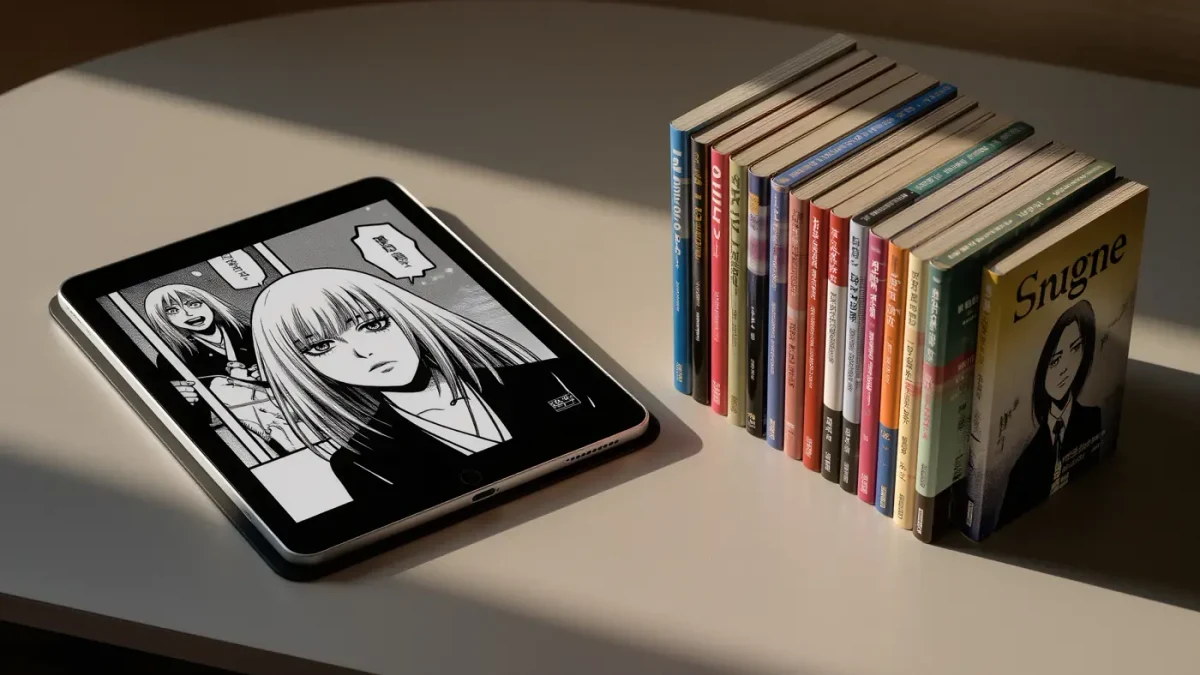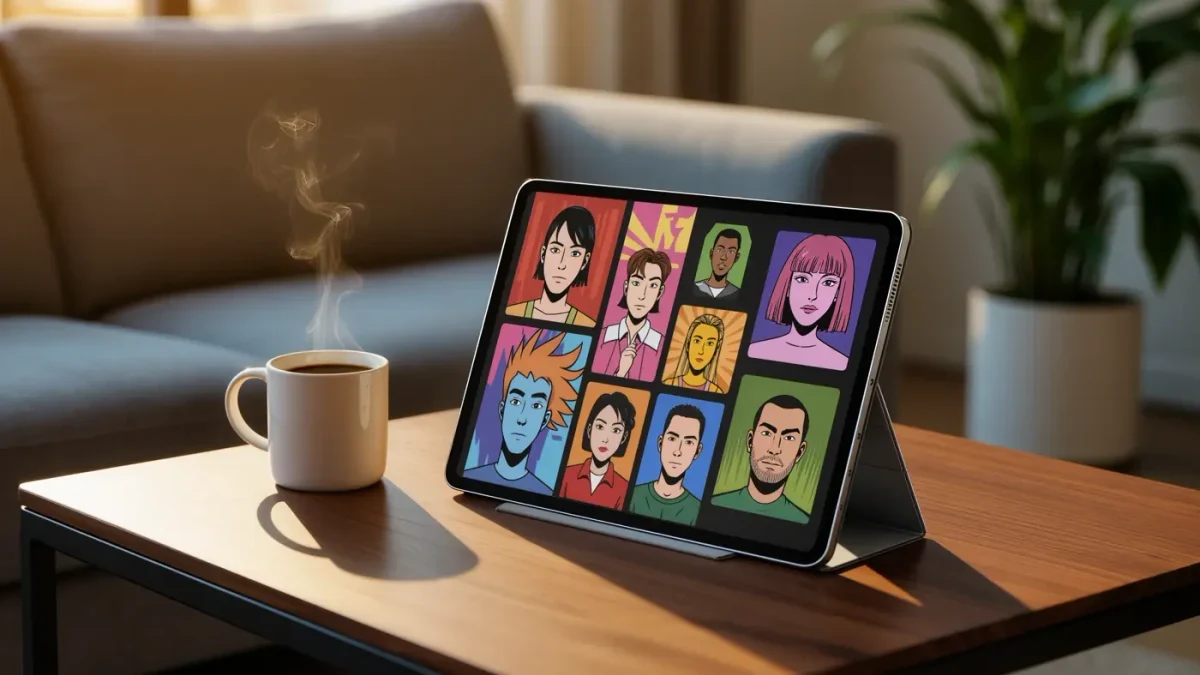
On the supplied evidence — Rakuten Kobo's product pages and named reviews from TechRadar and PCMag — the Kobo Libra Colour is the pick at $219.99 as of January 2026. It pairs a 7-inch Kaleido 3 screen with physical page-turn buttons, and per Kobo's own documentation it swallows CBZ and CBR comic archives without conversion. The honest asterisk: color on E Ink is muted next to any tablet, and 7 inches is still a small stage for a full comic page. Manage those two expectations and it is the best comics reader per dollar. Usually.
| Product | Maker | Price | Configuration | Release date | Basis of coverage |
|---|---|---|---|---|---|
| Kobo Libra Colour | Rakuten Kobo | $219.99 as of January 2026 | 7-inch Kaleido 3, 300 ppi mono / 150 ppi color, page-turn buttons | April 2024 | Kobo product page; TechRadar and PCMag coverage |
Where the evidence comes from
- Rakuten Kobo's US store listings for the Libra Colour and Clara Colour: pricing, Kaleido 3 panels, 300 ppi monochrome and 150 ppi color density, IPX8 ratings, ComfortLight PRO front lighting.
- Amazon's Colorsoft pages: the October 2025 standard model at $249.99 with a 7-inch 300 ppi mono / 150 ppi color display, and the Signature Edition at $279.99 with 32 GB and wireless charging.
- TechRadar's Clara Colour review, which logged the $149.99 launch price and the 6-inch Kaleido 3 panel's behavior, plus a 1,500 mAh battery and 16 GB storage.
- PCMag's review of the Onyx Boox Tab X C, which flagged color E Ink's limits on contrast and vividness; Good e-Reader and Best Buy listings for PocketBook Verse Pro Color pricing.
Which screen actually makes comics look good?
Start with density. Every current color E Ink reader — Kobo's two models, Amazon's Colorsoft, Onyx's color Boox lines — resolves black-and-white at 300 ppi and color at 150 ppi, per each maker's spec sheet. Text and inked linework look crisp; fills and gradients look softer. PCMag's Tab X C review says it plainly: color E Ink limits contrast and vividness.
Then size. A 7-inch panel shows a manga page comfortably but a double-page Western spread in slivers; the 6-inch Clara Colour demands zooming; Onyx's 10.3-inch and 13.3-inch color models behave like actual comic boards but cost $549 to $819.99 per Onyx's US listings. For most readers, 7 inches plus pinch-zoom patience is the sweet spot.
Are color e-readers fast enough for panel-by-panel reading?
This is where honesty is scarce. None of the supplied coverage measured refresh latency or ghosting on a bench across models, and color E Ink refreshes are known from named reviews to trail monochrome. In practice, per TechRadar's Clara Colour review, page turns are usable rather than instant, and full-color repaints can flash. If you read fast and hate flashes, test one in a store first.
Does color E Ink wreck the battery?
No — and this is its quiet advantage over tablets. TechRadar's Clara Colour spec sheet lists a 1,500 mAh cell with weeks-scale life in Kobo's typical-usage terms, and Amazon rates the standard Colorsoft at up to eight weeks per charge on its half-hour-a-day reading assumption. Any LCD tablet watching comics dies in hours, not weeks. Numbers are makers' claims, not independent drain tests.
Where do the comic files actually come from?
Formats decide this fight. Per Rakuten Kobo's supported-file documentation, Kobos read CBZ and CBR natively — the two formats most comic archives ship in. Amazon's documented Send to Kindle formats do not include CBZ, so Kindle owners convert first, typically to PDF or EPUB. PocketBook's color models read the archives directly, per PocketBook's own format list, and Onyx's Android-based Boox readers simply install any comics app.
Ecosystem is the other axis. Kindle Colorsoft buyers get Amazon's store pipeline; Kobo buyers get EPUB-native openness. Library lending exists on several platforms — we cover that elsewhere — but for owned comic files, Kobo and PocketBook are the lowest-friction doors.
How does the comics field compare?
| Model | Price with date | Why pick it | Skip it if… |
|---|---|---|---|
| Kobo Libra Colour | $219.99, January 2026 | 7-inch Kaleido 3, buttons, native CBZ/CBR, IPX8 | You need page-filling spreads — the panel is still small |
| Kobo Clara Colour | $149.99 list, January 2026 | Cheapest credible color E Ink; same 150 ppi color layer | Six inches means constant zooming on full comic pages |
| Kindle Colorsoft (2025) | $249.99, January 2026 | Same 150 ppi color density per Amazon's spec, in Amazon's ecosystem | You read CBZ libraries — conversion is a tax you pay forever |
| Onyx Boox Note Air 4 C | about $549, January 2026 | 10.3-inch color canvas, Android apps, real comics footprint | Budget matters; over double the Libra's price per Onyx listings |
| Any budget tablet | from about $100, January 2026 | Gorgeous saturated color, every app, every format | You want weeks of battery and sunlight readability — tablets offer neither |
Final verdict
Pure manga reader: you may not need color at all — most manga is inked black and white, so any 300 ppi mono reader, including the $109.99 basic Kindle per Amazon's listing, renders it beautifully. First dedicated comics device: the Libra Colour at $219.99 is the balanced buy. Upgrader who already owns a mono reader: buy size, not color — a 10-inch class device or a tablet serves spreads better than a second 7-inch panel.
Platform and region caveats: prices are US-listed as of January 2026; Onyx and PocketBook pricing moves with exchange rates and retailer promos. What the sources did not establish: none of the supplied coverage ran identical color-accuracy, refresh-rate, or ghosting measurements across these devices, and every battery figure above is a maker's claim. Color E Ink has crept into mainstream coverage — the BBC's technology desk among others — but reviewers agree on one thing: temper your saturation expectations.
Frequently asked questions
Is the Kindle Colorsoft better for manga than the Libra Colour?
On paper, no. Both resolve color at 150 ppi, per Amazon's and Kobo's own spec sheets. The Colorsoft's case is ecosystem and wireless charging on the Signature Edition; the Libra's is $30 back, page-turn buttons, and native CBZ/CBR support. Choose your store, not your pixels.
Can I read CBZ files on a Kindle?
Not directly. Amazon's documented Send to Kindle formats exclude CBZ and CBR, so archives need conversion to PDF or EPUB first. Kobos and PocketBooks read them natively, per their format documentation. If your library lives in CBZ, that alone decides the purchase.
Do color e-readers show book covers in color?
Yes, and it is more pleasant than it sounds. Store and library shelves, illustrated inserts, and highlights render in color on every Kaleido 3 and Colorsoft-class device, per the makers' product pages. Just expect muted, newsprint-adjacent tones rather than screen-glow saturation.
Manga is black and white — do I need color at all?
Probably not. Inked linework resolves at 300 ppi in monochrome on every device here, so a cheap mono reader is often the sharper manga tool. Color earns its keep for covers, color pages, and Western comics. Save the money if grayscale is your daily diet.