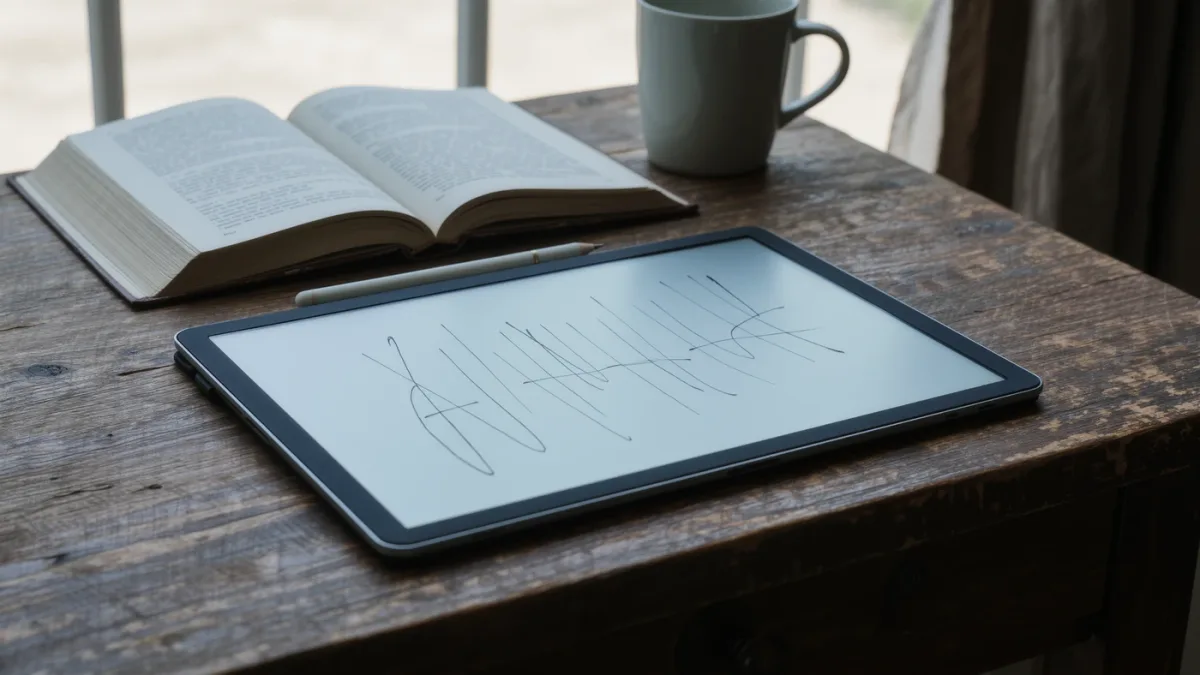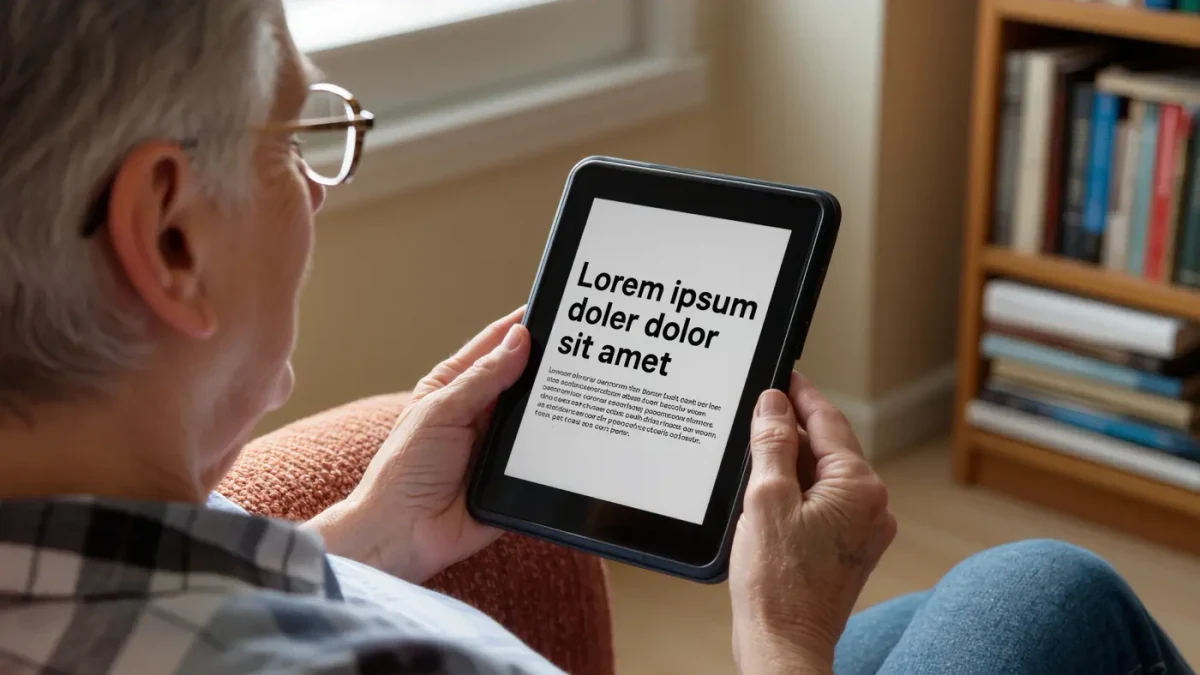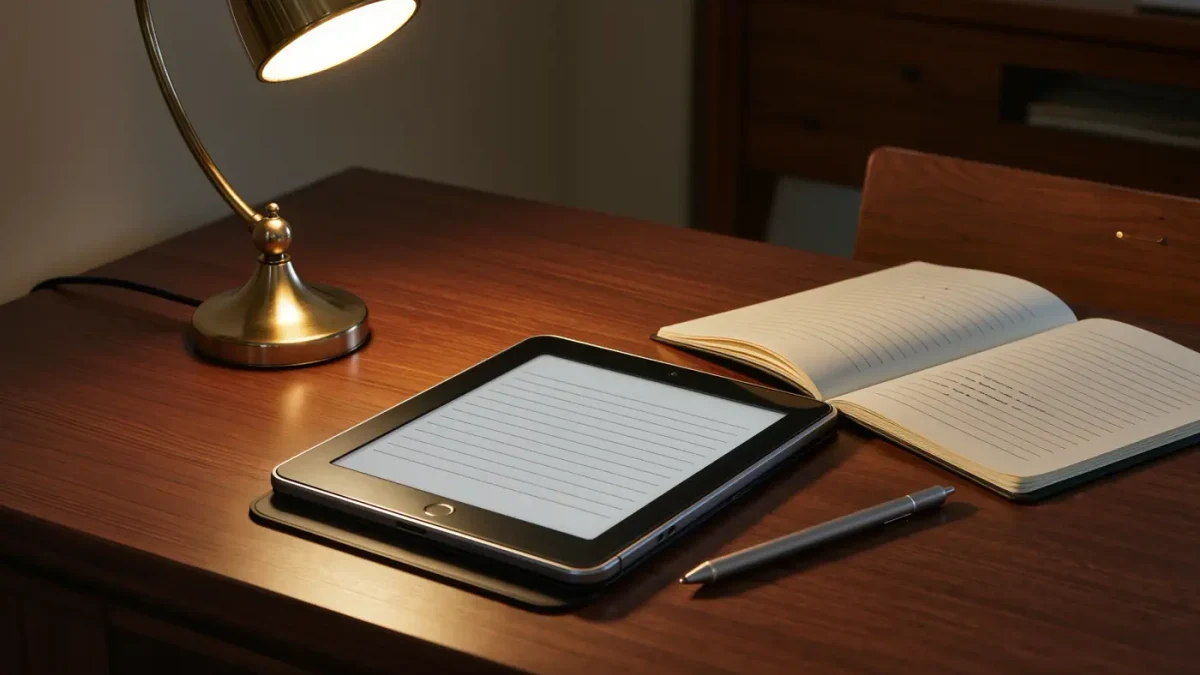
On the supplied evidence — Amazon's product pages and named coverage from TechRadar, Good e-Reader and PCMag — the second-generation Kindle Scribe is the pick at $399 as of March 2026. The 11-inch, paper-style display, refreshed in late 2025, is the cheapest credible big-canvas reader from a major maker, and per the product listings it lets you write in notebooks, documents and books. The caveats are equally clear: Amazon's export pipeline is the clunkiest of the field, and there is no app store to fix it. For Kindle-committed annotators, still the one.
| Product | Maker | Price | Configuration | Release date | Basis of coverage |
|---|---|---|---|---|---|
| Kindle Scribe (2nd gen) | Amazon | $399 as of March 2026 | 11-inch E Ink, 16 GB base, stylus-supported, USB-C | September 2025 | Amazon product page; TechRadar, Good e-Reader coverage |
Where the evidence comes from
- Amazon's Scribe product and spec pages: the September 2025 second generation, $399 for 16 GB with $419 and $449 steps for 64 GB and 128 GB, and the 11-inch display size.
- TechRadar's Scribe (2025) review, which described the device as bigger, brighter and lighter than its predecessor.
- Rakuten Kobo's Elipsa 2E listing: 10.3-inch Carta 1200 display, 32 GB storage, stylus-based note-taking, $399.99.
- Onyx Boox US pricing per retailer and comparative coverage: Note Air 4 C around $549 and Tab X C at $819.99; PCMag's Tab X C review noted both the writing experience and color E Ink's contrast limits.
Which screen makes handwriting feel natural?
Canvas size is the spec that matters. The Scribe's 11-inch panel is the largest mainstream option below Onyx's 13.3-inch flagship, per the makers' listings; Elipsa 2E's 10.3-inch Carta 1200 screen is the close standard rival; Boox's 10.3-inch color Note Air 4 C trades a little text contrast for color, per PCMag's observations on color E Ink. Bigger canvas, fewer scrolls, better margins.
None of these panels is glass-slick: the makers all advertise paper-style writing surfaces. Nobody in the supplied coverage measured pen-to-ink friction or latency with instruments — that gap repeats throughout this category, so trust named reviewers' hands-on impressions and your own wrist.
Is there lag when you actually write?
Not in a way the supplied coverage flags. Comparative write-ups of the Boox color line describe everyday writing with no noticeable lag; TechRadar's Scribe review concentrates on the brighter, lighter redesign rather than pen speed, and Good e-Reader's Scribe 2 coverage treats writing performance as a known quantity. Translation: all three are considered good; none is proven best by measurement. Anyone claiming a bench number invented it.
Can a note-taker survive a workweek unplugged?
Probably, on makers' own terms. Amazon and Kobo both advertise weeks of mixed reading-and-writing use per charge for their large-screen models, with USB-C across the board; Onyx lists shorter figures for its Android hardware, which runs full apps. None of the supplied coverage ran an independent annotation-drain test — writing sessions, constant saves and Wi-Fi sync are exactly the workload the weeks claims were not built on. Charge on Fridays. It is fine.
How do your notes get out of the device?
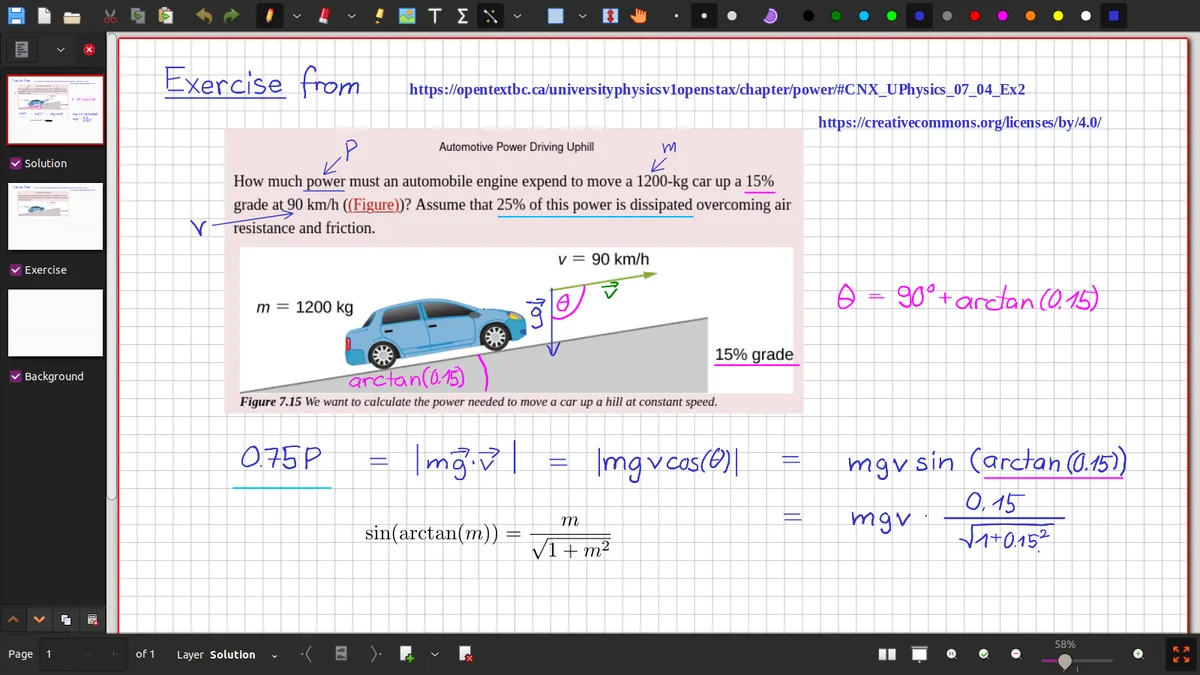
This is where the field splits. The Scribe annotates books and documents and keeps notebooks, but moving content onward runs through Amazon's export paths — per Amazon's help documentation, notebook pages export by email in formats like PDF — a workflow that works and never delights. Kobo's Elipsa 2E keeps annotations in Kobo's own notebook system per its product page. Boox runs Android, so OneNote, Evernote and every PDF app sync natively — the reason grad students forgive the price.
Ecosystem weight matters twice here. Kindle owners get instant access to their existing library and store; the open-format crowd gets EPUB-native handling on Kobo and literal apps on Boox. Handwriting itself remains gloriously format-agnostic — as the Library of Congress's digitized manuscript collections demonstrate, the margins outlive every platform. Your export pipeline should too.
How does the note-taking field compare?
| Model | Price with date | Why pick it | Skip it if… |
|---|---|---|---|
| Kindle Scribe (2nd gen) | $399, March 2026 | Biggest mainstream canvas, bookstore integration, pen in box | You live in apps — Amazon's export-only pipeline will chafe |
| Kobo Elipsa 2E | $399.99, March 2026 | 32 GB storage, EPUB-native annotations, no-ads reading | You annotate PDFs for a living; Boox handles them better |
| Onyx Boox Note Air 4 C | about $549, March 2026 | Android apps, color canvas, strongest PDF tooling per coverage | Budget exists; nearly $150 over the Scribe per Onyx listings |
| Onyx Boox Tab X C | $819.99, March 2026 | 13.3-inch color monster for full-page documents | You ever carry it anywhere — size and price are the feature and the bug |
Final verdict
First note-taking reader, mostly books and light PDF duty: the Scribe at $399 is the sensible entry — the 2025 refresh fixed the brightness complaints, per TechRadar, and $399 is the floor for this class. Upgraders from the 2022 Scribe: the second generation is a real upgrade on light and size, but wait for a sale if you can; Good e-Reader's deal tracking shows the line discounts regularly.
Platform and region caveats: prices are US-listed as of March 2026; Onyx pricing shifts with exchange rates. What the sources did not establish: none of the supplied coverage measured pen latency, handwriting recognition accuracy, or export fidelity across models, and every battery figure is a maker's claim. The margins are patient. Choose the pipe, not the pen.
Frequently asked questions
Does the Scribe convert handwriting to text?
Yes, within Amazon's notebook system — handwritten pages can be converted and sent onward as text or PDF via the export flow described in Amazon's help documentation. Recognition quality on the 2025 model was not quantified in the supplied coverage, so temper expectations for messy scrawl. It works. It is not magic.
Can the Elipsa 2E annotate regular EPUBs?
Yes. Per Kobo's product page, the Elipsa 2E supports highlighting and annotation in EPUBs and PDFs alongside its dedicated notebooks, with the stylus included. Kobo's ecosystem is EPUB-native, which keeps side-loaded documents first-class citizens rather than conversion projects.
Which one is best for academic PDFs?
The Boox line, per comparative coverage: Android lets you run full PDF applications with proper reference managers, and the large color canvas suits figures. The Scribe annotates documents natively too, per its listing, but without apps. If PDFs are your day job, Boox earns its premium.
Do I need to buy a stylus separately?
No, for the three picks above — each ships with its stylus per the makers' product listings. Budget for a replacement tip or two and a sleeve. The expensive part is the device; the ink is free, which is more than any fountain pen can say.