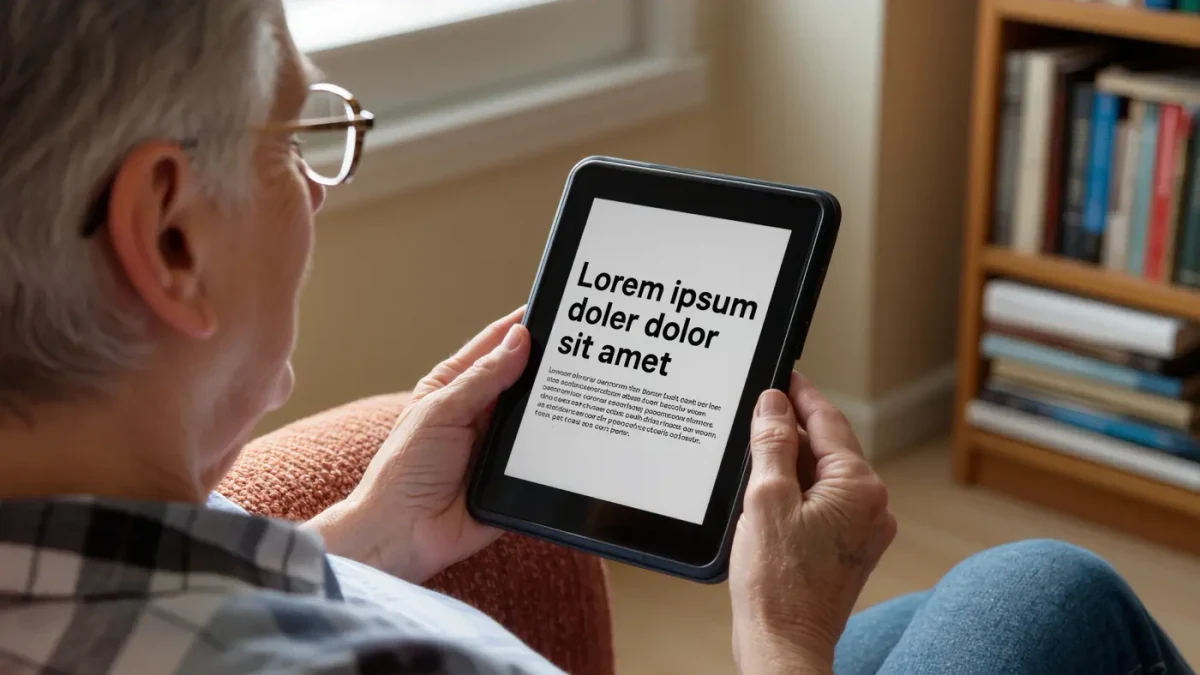
On the supplied evidence — Amazon's spec and accessibility pages and named coverage from PCMag and Wired — the Kindle Paperwhite (12th generation) is the pick at $159.99 as of April 2026. Its 7-inch, 300 ppi display renders big letterforms smoothly, the font menu scales text far past anything a printed large-print edition offers, and the warm light eases evening sessions. The caveat: seven inches is the ceiling of the affordable mainstream — readers who need maximum glyph size per page will pay notebook-class money for more glass. For most large-print readers, this is the one.
| Product | Maker | Price | Configuration | Release date | Basis of coverage |
|---|---|---|---|---|---|
| Kindle Paperwhite (12th gen) | Amazon | $159.99 as of April 2026 | 7-inch 300 ppi E Ink, 16 GB, warm light, adjustable fonts | October 2024 | Amazon spec and accessibility pages; PCMag, Wired coverage |
Where the evidence comes from
- Amazon's Paperwhite spec page and Kindle accessibility documentation: $159.99 price, 7-inch 300 ppi display, adjustable warm light, font-size and boldness settings, and alternative fonts including dyslexia-friendly options.
- Wired's Kindle roundup, which logged the basic Kindle's 6-inch panel and 5.56 oz weight for the small-screen comparison.
- Rakuten Kobo's US store listing for the Libra Colour: 7-inch display, physical page-turn buttons, ComfortLight PRO, $219.99.
- Amazon's Scribe product pages for the 11-inch, $399 big-canvas option; the Library of Congress's National Library Service for readers whose needs exceed any font slider.
Does screen size really matter for large print?
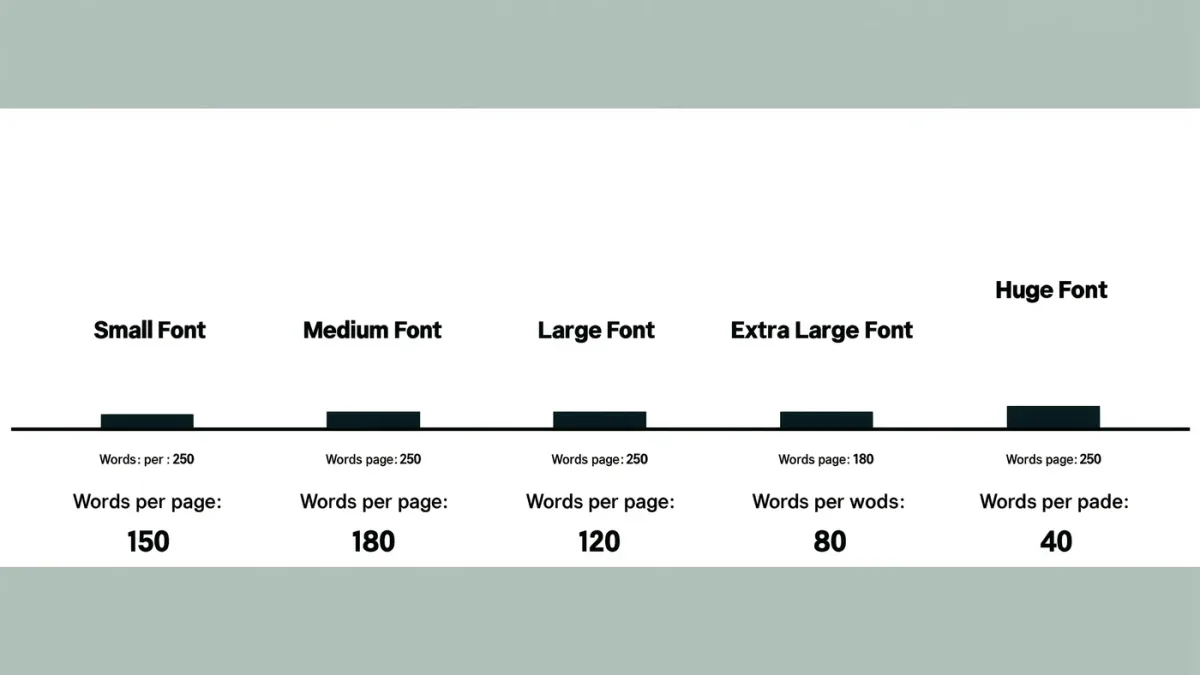
Yes, and linearly. Blow the text up on a 6-inch screen and a paragraph becomes three words per page — technically readable, functionally annoying. The same type size on the Paperwhite's 7-inch panel keeps a usable line length, per the display geometry in both makers' spec sheets. The jump from six to seven inches sounds trivial. It is not.
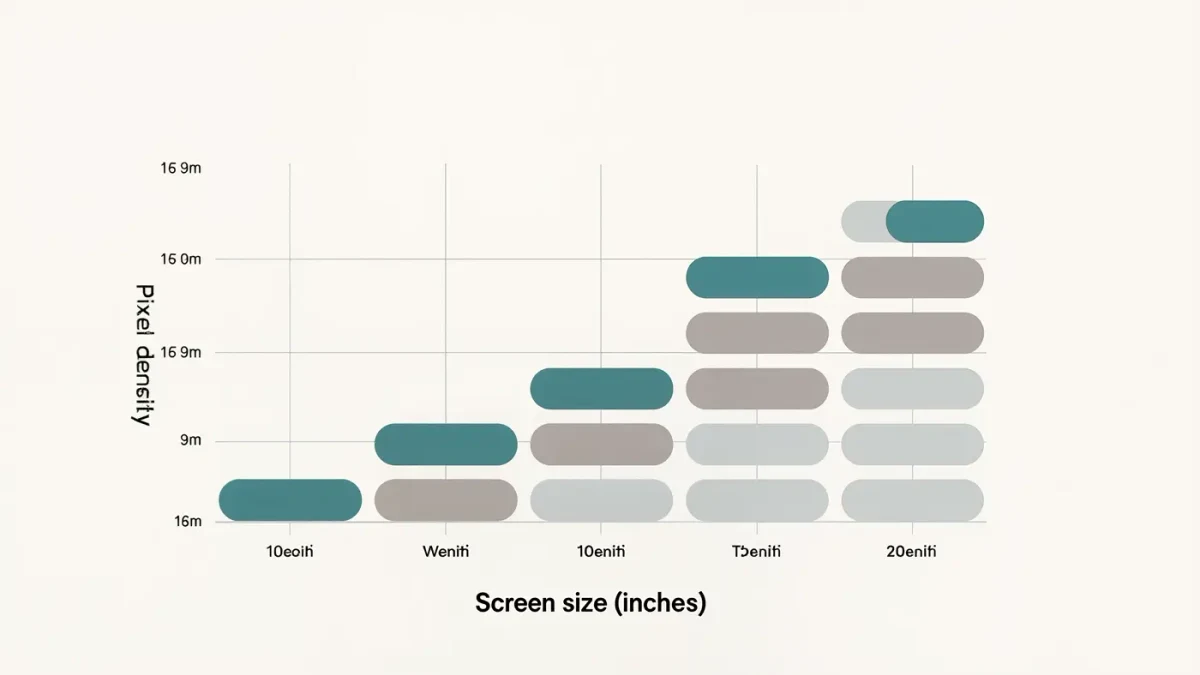
At 300 ppi, enlarged letterforms stay smooth rather than jagged, which matters more as sizes climb. The honest ceiling: mainstream lineups jump from 7 inches straight to 10.3 and 11 inches, per current Kobo and Amazon listings — there is no affordable eight-inch middle.
How large can the text actually get?
Larger than any physical large-print book. Amazon's help documentation describes continuous font-size steps plus bold-weight levels and a dyslexia-friendly font option; Kobo's reader software offers a comparable font-size slider with weight adjustments. None of the supplied coverage published maximum type heights in points, so no cross-brand maximum exists on record. Practically: if the top setting is not enough, the answer is a bigger screen, not a different brand.
Does bigger text drain the battery faster?
Marginally, not meaningfully. E Ink draws power on page turns, and larger text means more turns per book — that is the whole of the penalty. Amazon's 12-week claim for the Paperwhite, built on half an hour of daily reading with wireless off, already covers aggressive settings, and Mashable's review treated the figure as realistic. For a heavy large-print reader, expect weeks, not days. Charge monthly and forget about it.
Are the settings easy to reach for non-technical readers?
Mostly yes. On the Paperwhite, the type menu is two taps from the page, and settings persist across every book — set it once, hand it over. Kobo's Libra Colour adds physical page-turn buttons, which spare readers the swipe gesture entirely, a small kindness for anyone whose hands disagree with touchscreens. Amazon also ships screen-reader and assistive-reading features per its accessibility documentation, and the device pairs with the store your household probably already uses.
One honest limit: menus remain small-text environments on every brand. None of the supplied coverage evaluated interface accessibility formally, so arrange a hands-on trial if menus, not books, are the barrier.
How does the large-print field compare?
| Model | Price with date | Why pick it | Skip it if… |
|---|---|---|---|
| Kindle Paperwhite (12th gen) | $159.99, April 2026 | 7-inch 300 ppi canvas, bold-weight fonts, warm light | You need maximum text size per page — go bigger |
| Kobo Libra Colour | $219.99, April 2026 | Same 7-inch class, physical buttons, EPUB-native | Budget is tight; color is a bonus, not the point here |
| Kindle Scribe (2nd gen) | $399, April 2026 | 11 inches of glass — huge type without losing line length | Weight and price; it is a desk-and-sofa device, not pocketware |
| Kindle (2025) | $109.99, April 2026 | Cheapest 300 ppi screen, featherweight 5.56 oz body | Six inches sabotages the entire large-print mission |
Final verdict
First e-reader bought specifically for large print: the Paperwhite at $159.99 — set the font once and read. Upgraders from a 6-inch device: the seven-inch class is the whole reason to upgrade; move along if you already own a 7-inch panel, because the font menus did not change. For maximum magnification, the Scribe's 11 inches at $399 is the logical endpoint.
For readers whose needs outrun any slider, the National Library Service for the Blind and Print Disabled provides free braille and audio programs — a reminder that accessibility is a public concern, not just a settings menu. Region caveats: prices are US-listed as of April 2026, and accessibility features vary by firmware region. What the sources did not establish: none of the supplied coverage measured maximum font sizes, interface legibility, or usability with actual low-vision readers. The font slider is generous. The research is thin.
Frequently asked questions
How big can Kindle fonts get?
Bigger than printed large print. Amazon's help documentation describes multiple size steps, bold-weight levels and alternative fonts, including a dyslexia-friendly option. No published point-size maximum appears in the supplied coverage, so try one in a store if you sit near the top of the range.
Is a 7-inch screen really enough for large print?
For most readers, yes — the panel keeps a usable line length at generous sizes, and 300 ppi keeps the letterforms smooth. The honest alternative is a 10.3 or 11-inch device at $399 or more, per current Amazon and Kobo listings. Between those sizes, the market offers nothing.
Do Kobos scale text as well as Kindles?
By every supplied description, yes — Kobo's software carries a font-size slider with weight adjustments comparable to Kindle's, and its 7-inch Libra Colour adds physical page buttons. The decision is ecosystem and buttons, not font ceiling. Both brands out-print paper comfortably.
Can the Paperwhite read aloud instead?
Partly. Amazon's accessibility documentation lists screen-reader and assistive-reading features that vocalize content — useful, though not a substitute for professionally narrated audiobooks. If listening is the primary need, weigh the audiobook ecosystems before buying hardware on font specs alone.